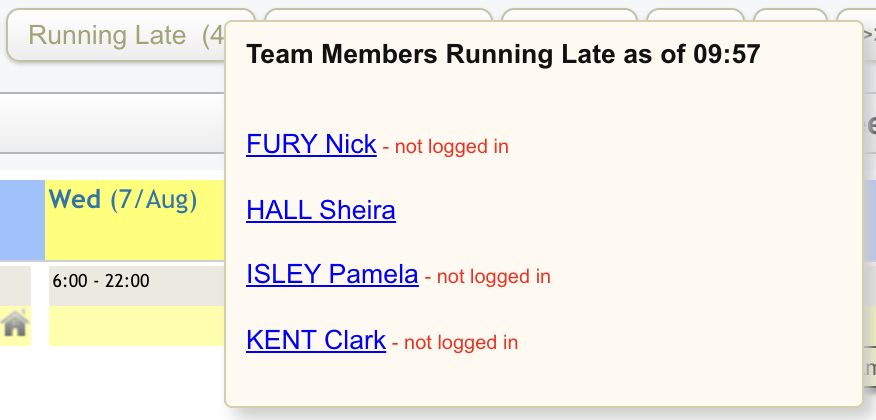
There are a couple of locations in the Eziplan system where you can see notifications on which of your team are running late/not clocked in.
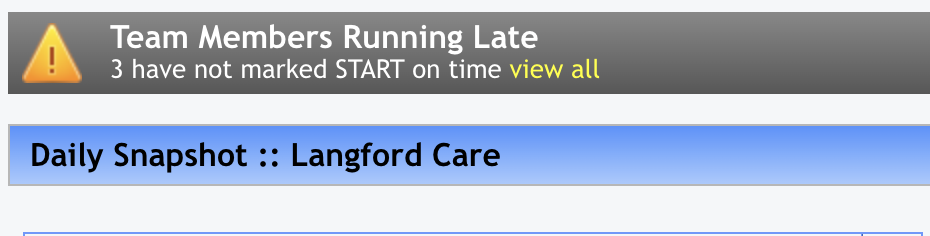
On the 'Home' screen, you will see a banner at the top of the Daily Snapshot dashboard which will display how many staff are running late.
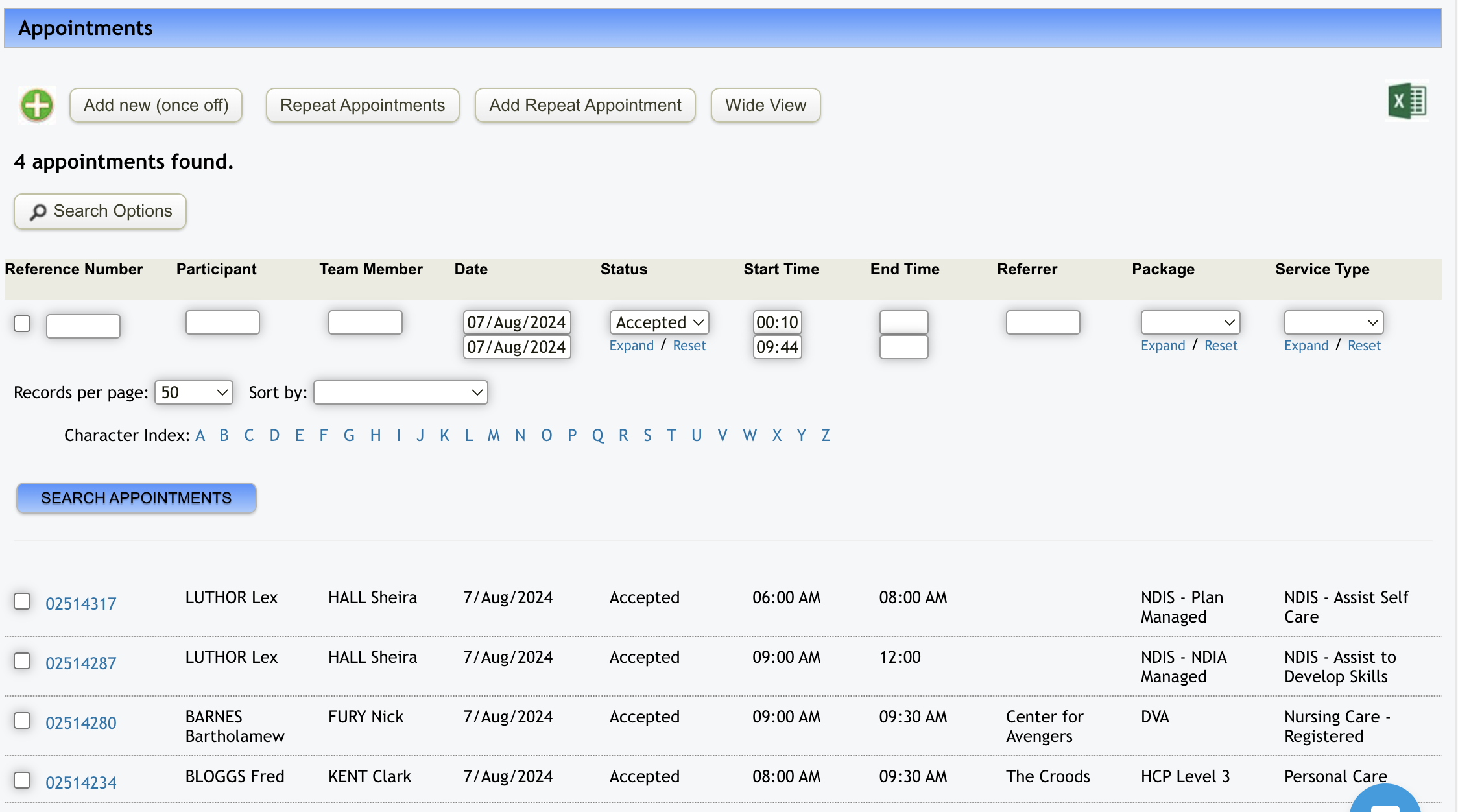
If you click on 'view all', this will open up the 'Appointments' screen and display all appointments that have been accepted by staff however are overdue for having been started.
The other section of the system that shows you which staff are running late is in the Weekly Planner. In the menu bar across the top, if you hover over the 'Running Late' button a list pops up showing you which staff have not yet signed in to start their shift.