

You can use My Availability to nominate the dates and times you are available for work. You would use this function if your weekly availability differs to your normal rostered hours, or you don't have a set schedule of hours in the Eziplan system. There may be a time when you don't have any hours available for a particular day. You can block out the entire day as unavailable by creating zero available hours for that day. To do this:
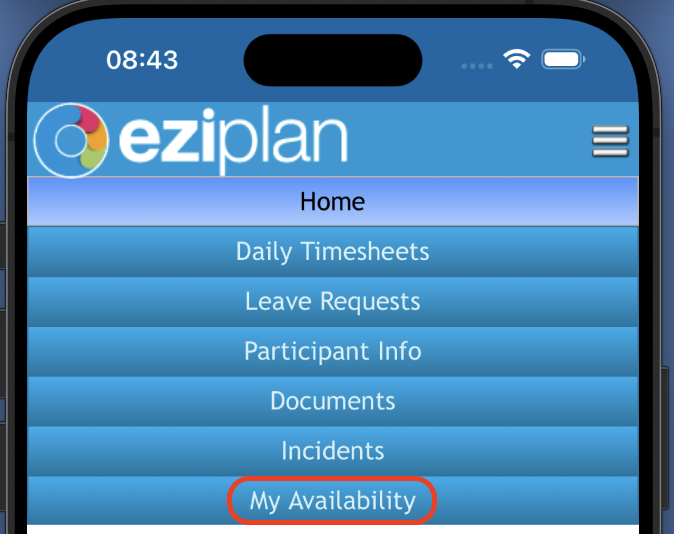
Select 'My Availability' from the Main Menu
Select the date that you are unavailable
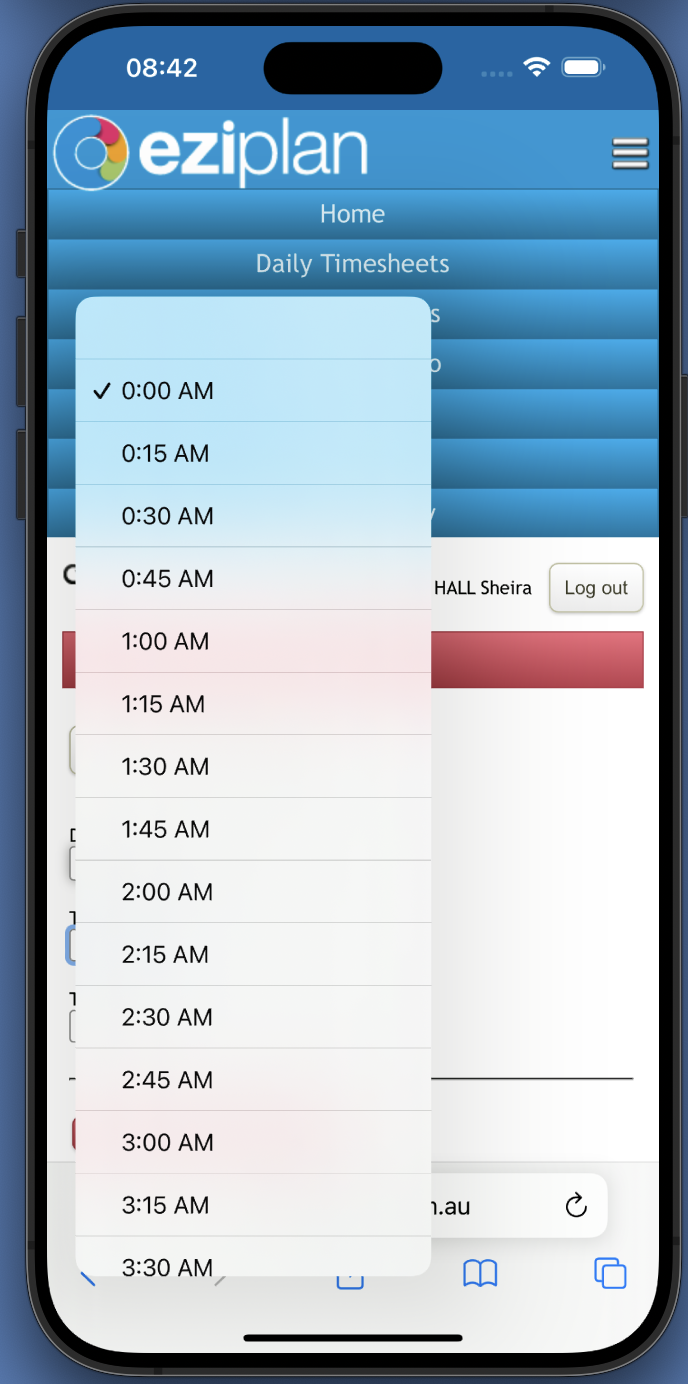
Enter the Time Start as 0:00am
Enter the Time End as 0:00am
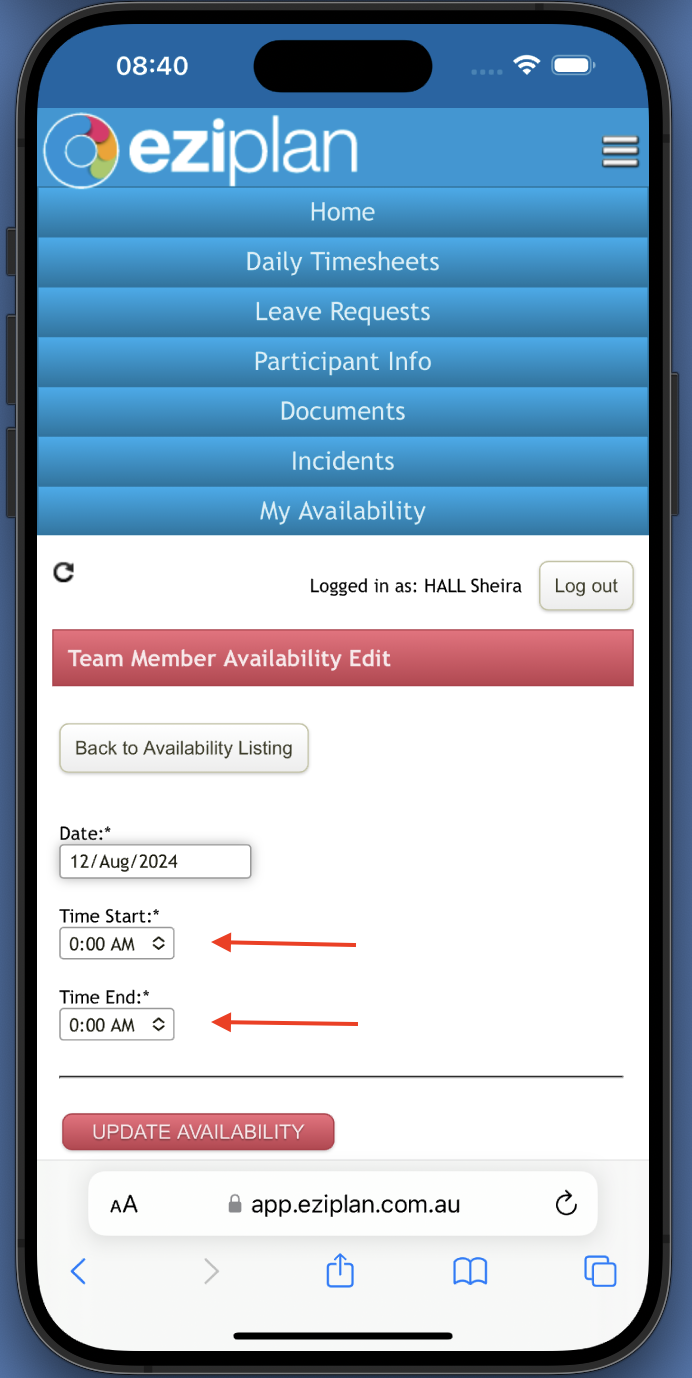
Click Update availability and the day will now have zero hours available for rostering
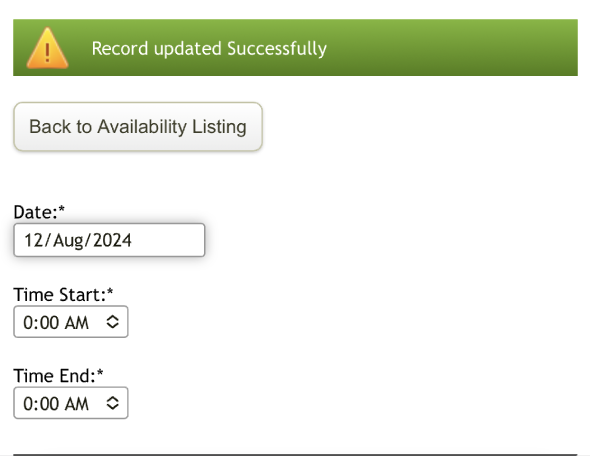
If you are just wanting to update the hours you are available for any given day, the process is the same as above, just entering in the times you are available and clicking on 'Update Availability'.