

Logo

Eziplan Care Management

Need help with Eziplan Rostering?

Billing and Claiming

NDIS Invoices 4 - Printing

How to print an NDIS invoice in Eziplan

Last updated on 11 Apr, 2022

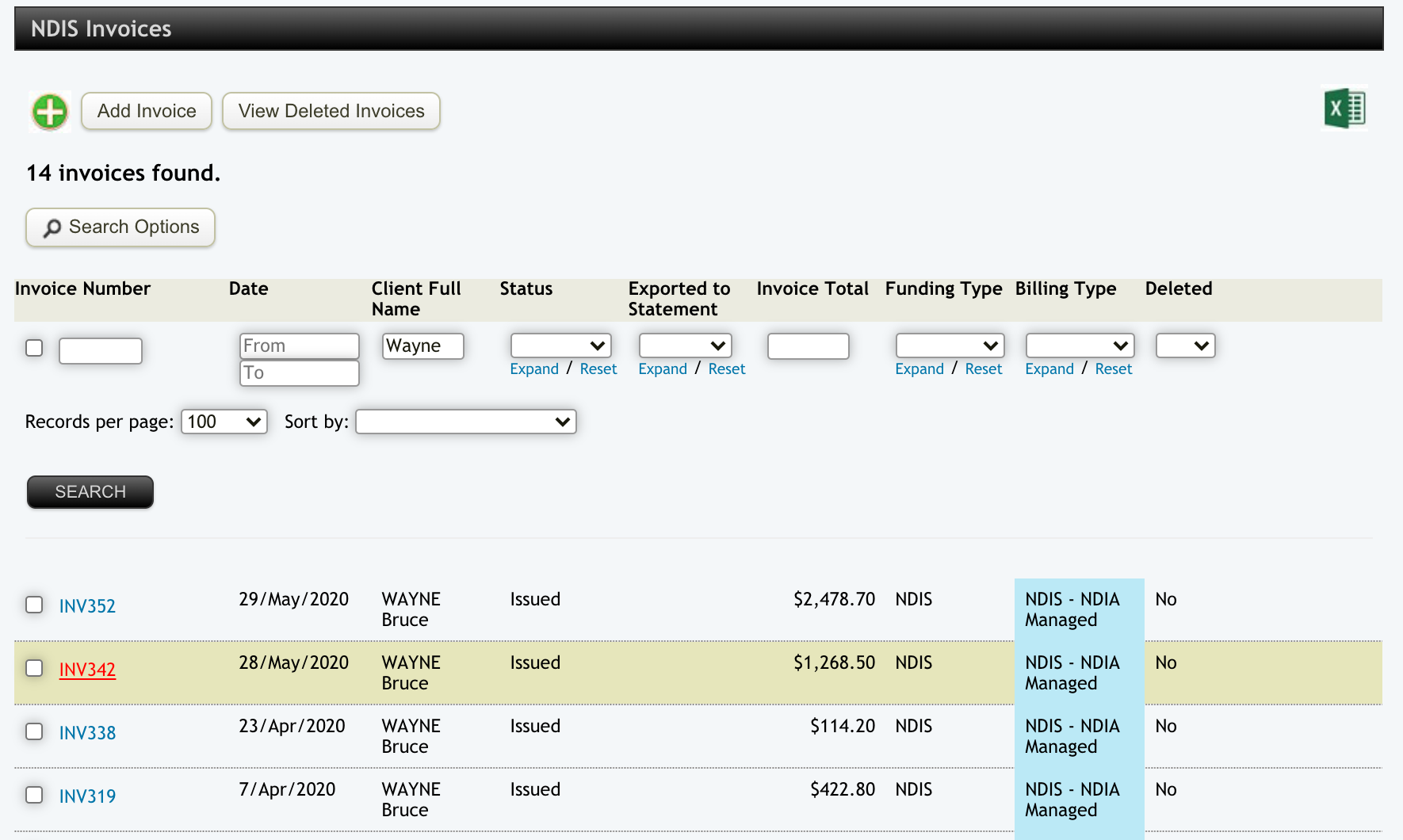
In your NDIS Invoice List, find the invoice you want to modify using the search options and click on the invoice link.
Image

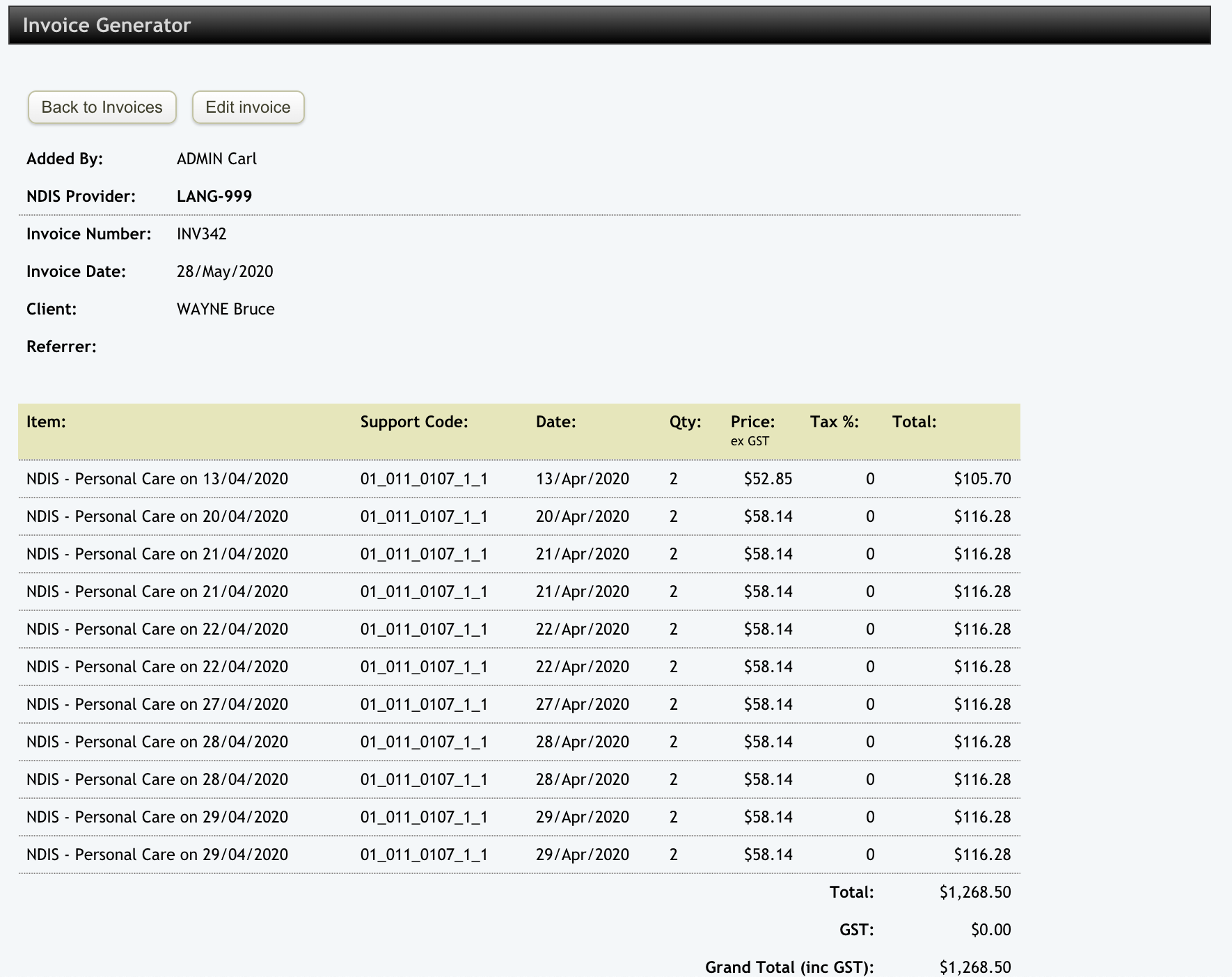
This will open your invoice. Click on the Edit Invoice button.
Image

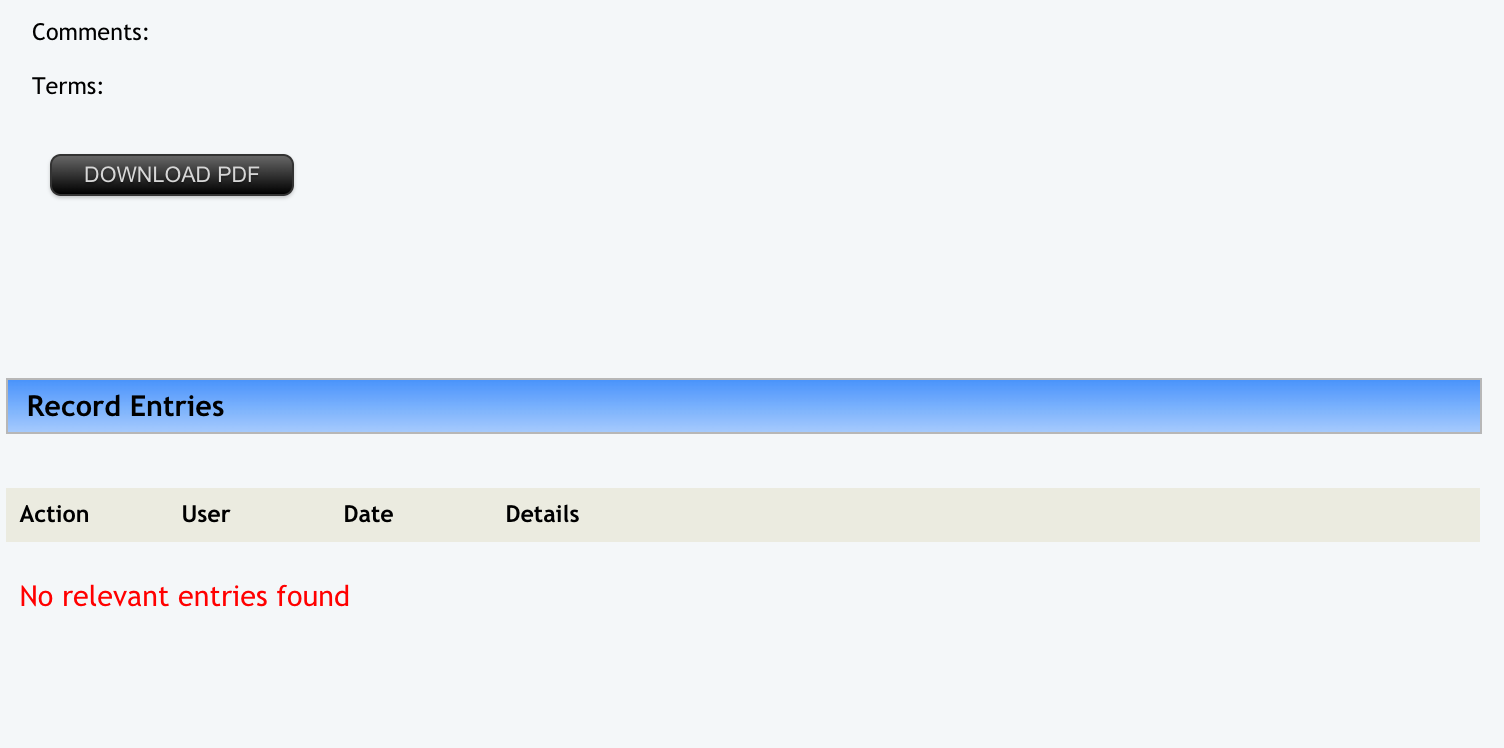
Go to the bottom of the page and click on the DOWNLOAD PDF button. You can then export and print the invoice.
Image


Did you find this article helpful?
Previous

NDIS Invoices 5 - Export to Accounts

Next