

The Award Alerts section of the Weekly Planner allows you to highlight where there are issues with any Award requirements e.g. for meal and shift breaks.
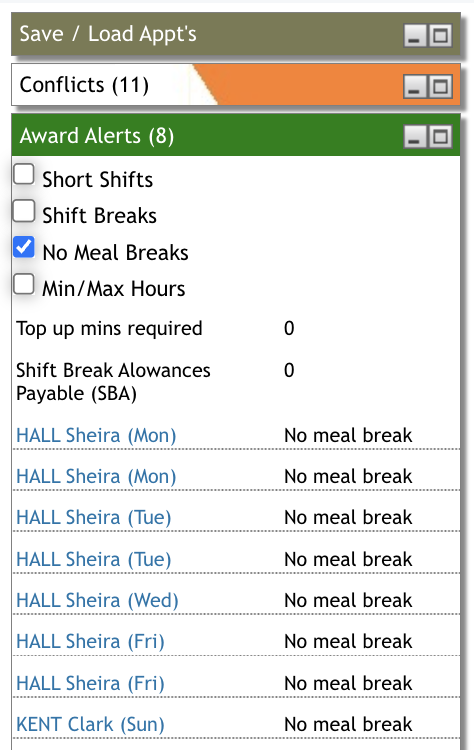
To adjust the weekly planner view to assist managing this on a particular day, click on that date at the top of the planner.

This will then adjust the view to show that specific day's appointments by workers. Where a care worker is allocated appointments for longer than the Award specified time without a break, this daily view will show a warning under the user's name highlighted in pink.
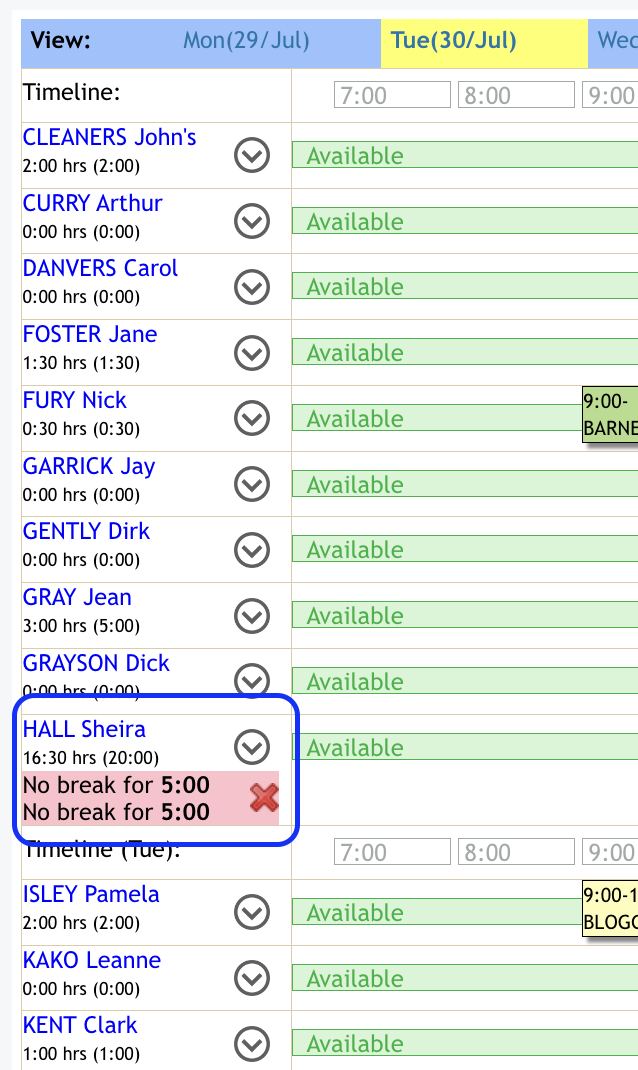
You can then manage the appointments accordingly to address this highlighted alert. N.B. These are just system alerts for your notification, you can still publish your roster without making any changes if you wish.
There is also an article on all Award Alerts you can review.