

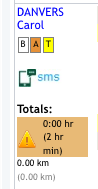
There are times that you may be looking to send out a message to a specific staff member. This can be done in the Eziplan Weekly Planner. Left click on the "SMS" button under the staff name in the Planner.
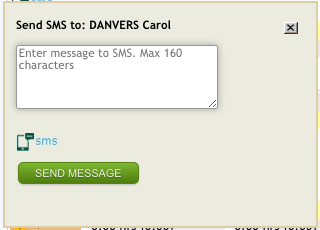
Once you have done this you can write you message and send.
N.B. Be aware that the staff member cannot respond to this through the system and there is no audit trail of the message sent.