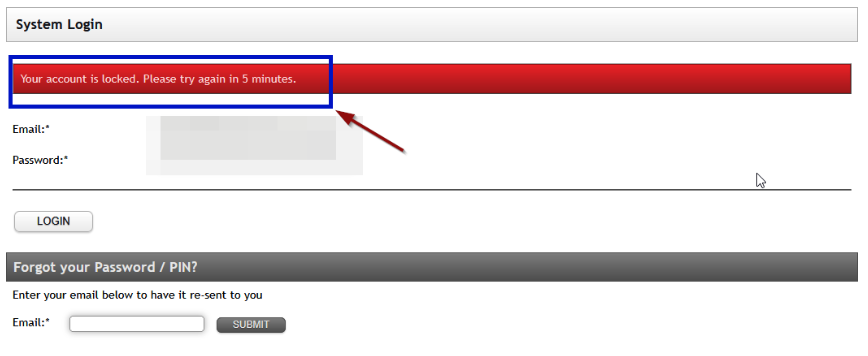
Eziplan has capability to prevent Brute Force attacks (computers guessing users email and password combinations). We have implemented a process where users after a number of unsuccessful attempts will be locked out from their account for a exponentially increasing time.
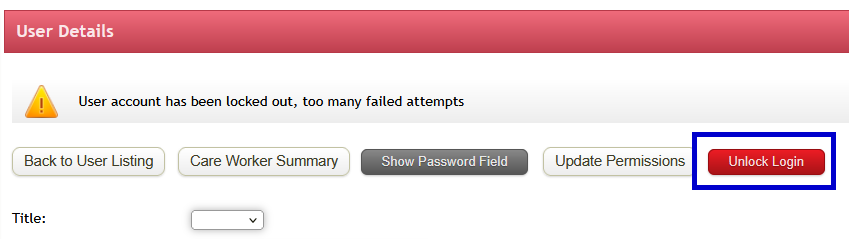
In the event that a user is locked out of their account mistakenly, users with unlock permissions have a new button on the user admin page to unlock their login. We recommend business processes to reset the password if this occurs.
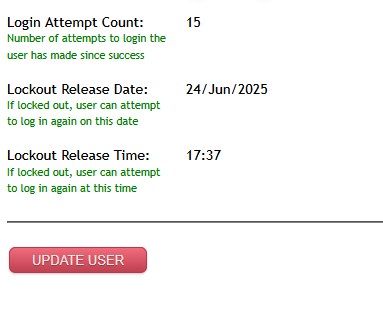
There is also a log of the number of unsuccessful attempts at the bottom of the User Admin page: