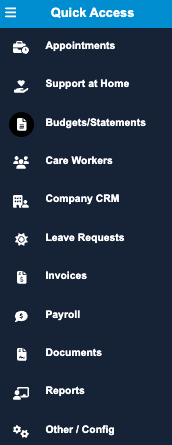
Eziplan Providers are now able to move to the latest version of the system allowing them to take advantage of the ongoing feature development including Support at Home functions. As we move forward you will see a gradual release of new feature Modules. The first release is for the updated Appointments Module and we will follow very shortly with an updated Weekly Planner Module and the Support at Home features. With this latest update, the new pages have an updated left side Menu Bar that will have the access to some pages moved to other tabs, reorganised or reworded as well as some additional options. The New Quick Access Menu can be accessed through any page that is associated with a new module. If you ever cannot find something, please let us know and you will always be able to find it in the Original Quick Access Menu on a number of other pages including the Home page until all pages receive the updates. The new QAM looks like this:
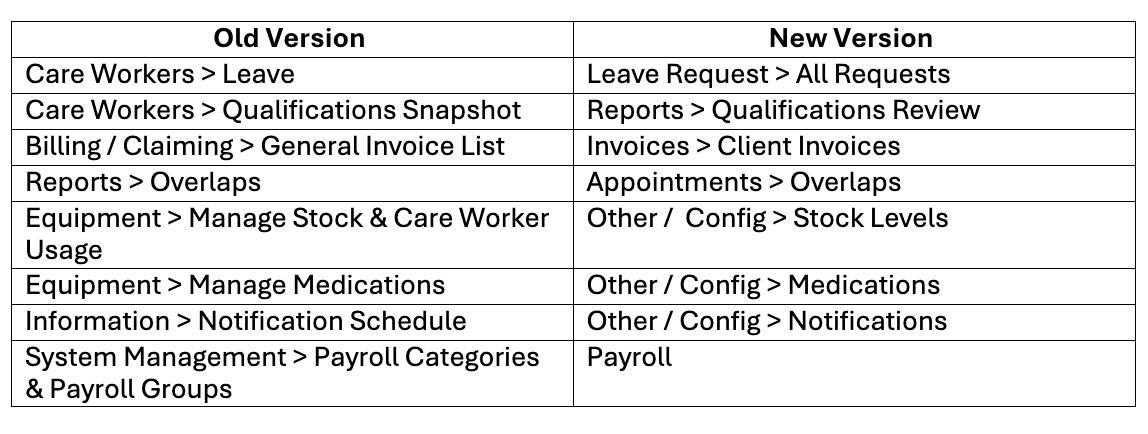
To help you navigate more easily, the table below outlines the changes from the old Eziplan to the new layout. Items that remain unchanged, or just reorganised in the same tab, are not included in this article.
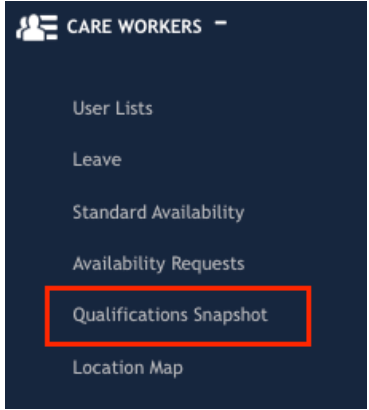
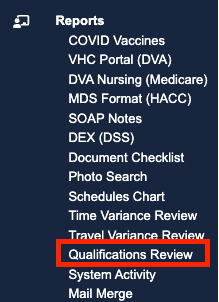
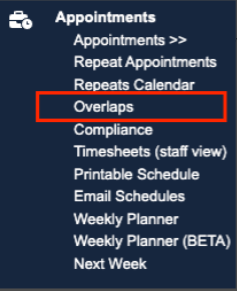
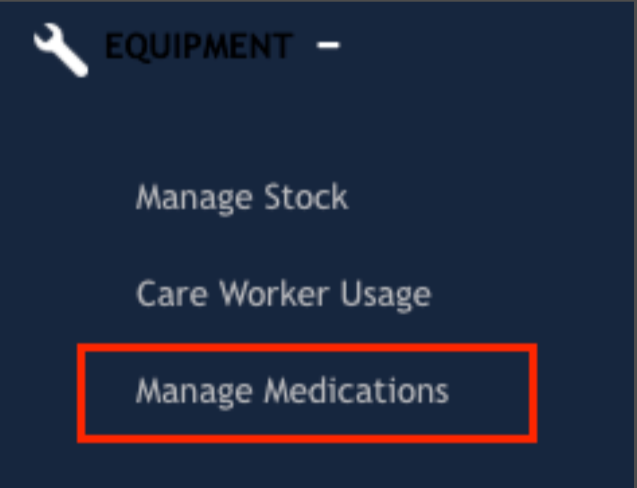
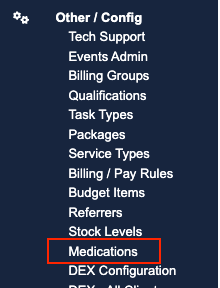
For a visual reference, please see the photos below showing where each section has moved from the old layout to the new.
OLD NEW
Care Workers Tab> Leave Leave Requests Tab> All Requests
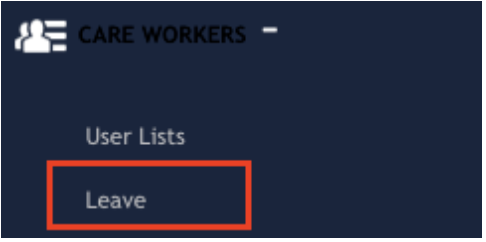
Care Workers Tab> Qualifications Snapshot Reports Tab> Qualifications Review
 .
. 
Billing / Claiming Tab> General Invoice List Invoices Tab> Client Invoices
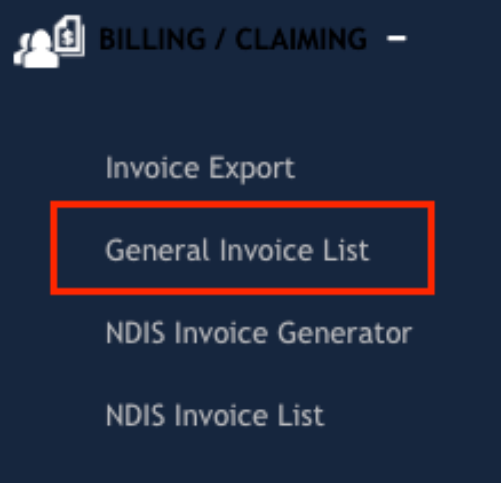
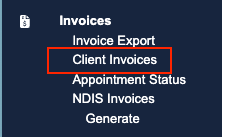
Reports Tab > Overlaps Appointments Tab> Overlaps
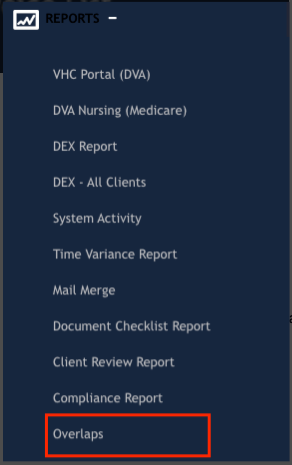 . /
. / 
Equipment Tab> Manage Stock Other / Config Tab> Stock Levels
& Care Worker Usage
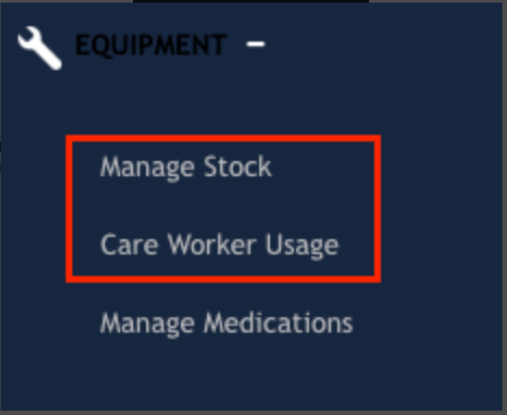
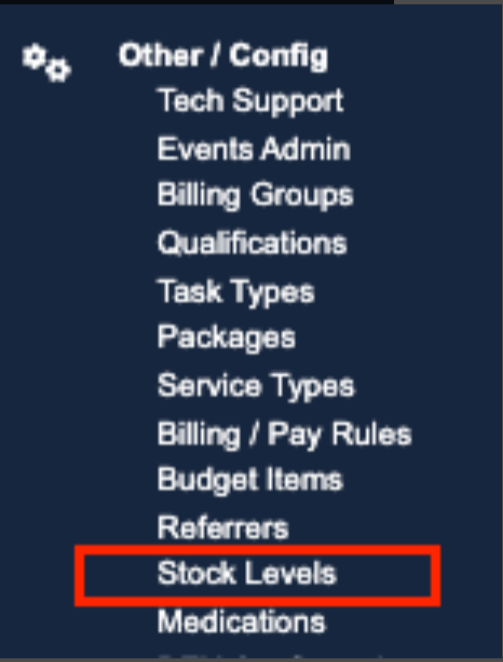
Equipment Tab> Manage Medications Other / Config Tab> Medications
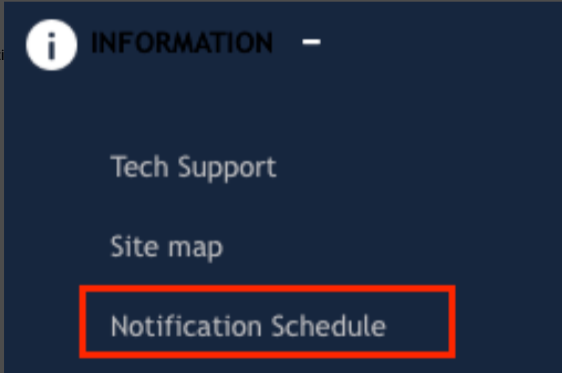
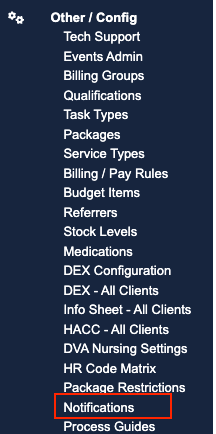
Information Tab> Notification Schedule Other / Config Tab > Notifications
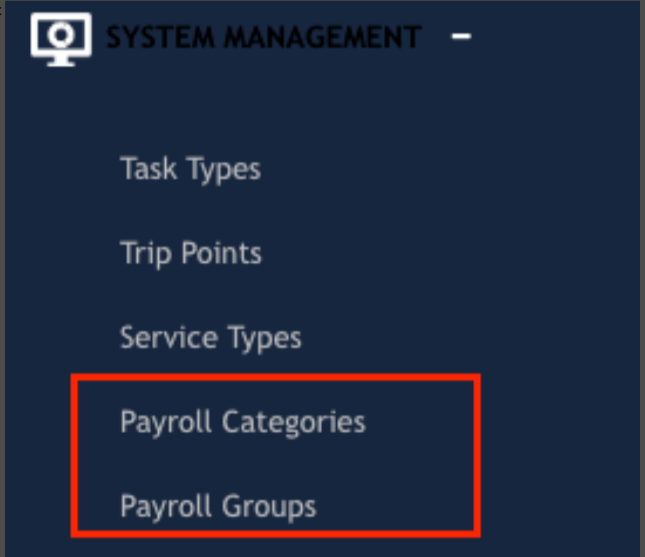
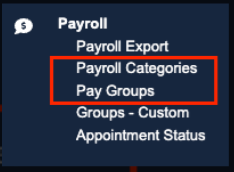
System Management Tab Payroll Tab