

Appointment details can be updated in both one off and repeat appointments. Refer to the Searching and Exporting Single Appointments and Appointments V2 - Searching and Exporting Repeat Appointments articles to find the specific appointment.
Once you are in the Appointment Details page, you can update the appointment. This will only update the current appointment for one offs and future instances of repeat appointments.
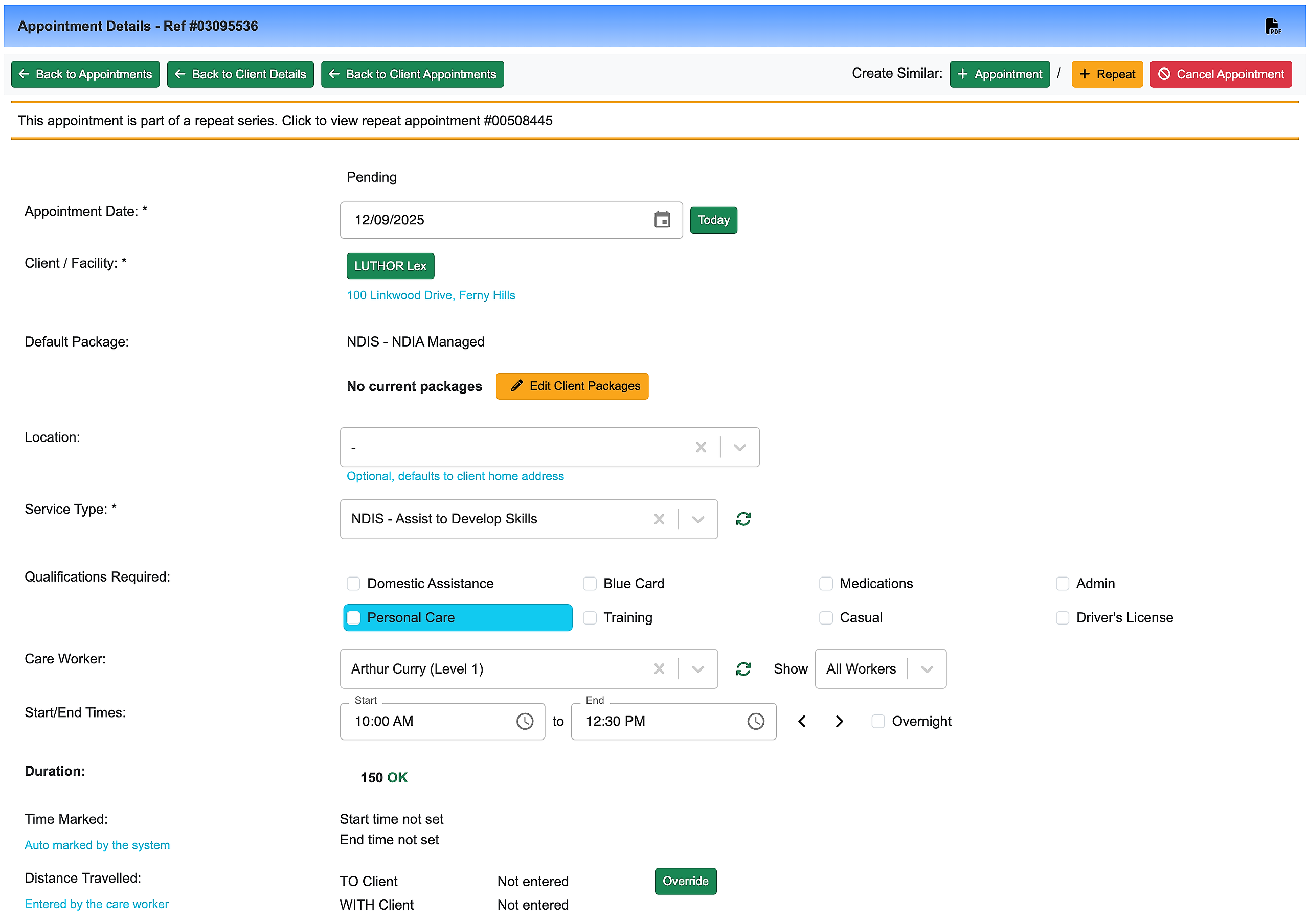
You can update the fields you need to and then once the changes have been made, click on Update Appointment.
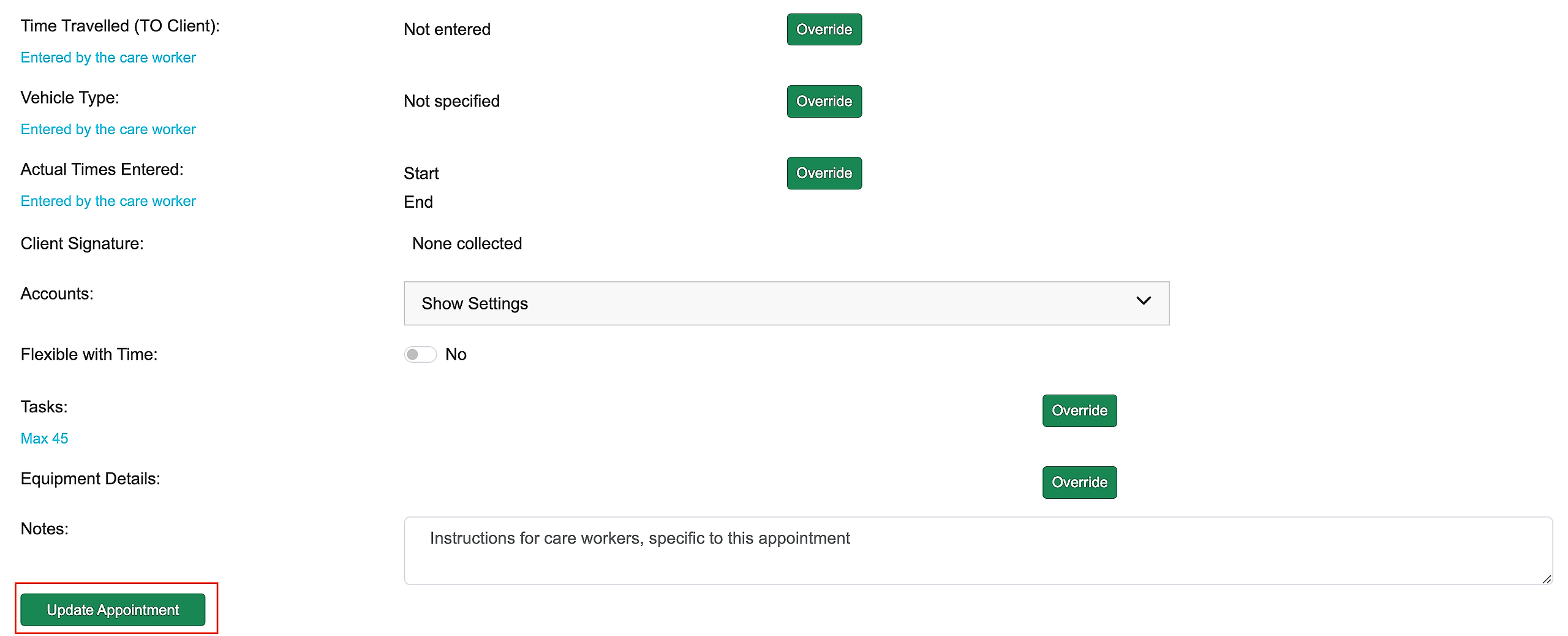
A confirmation message will appear and you will see the new details in the appointment.
