

Note: This method currently works with the Mozilla Firefox browser only.
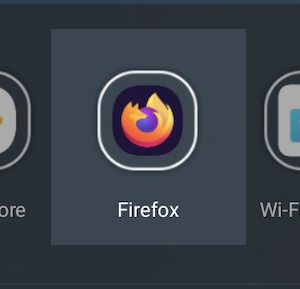
Open the Mozilla Firefox browser on your Android device.
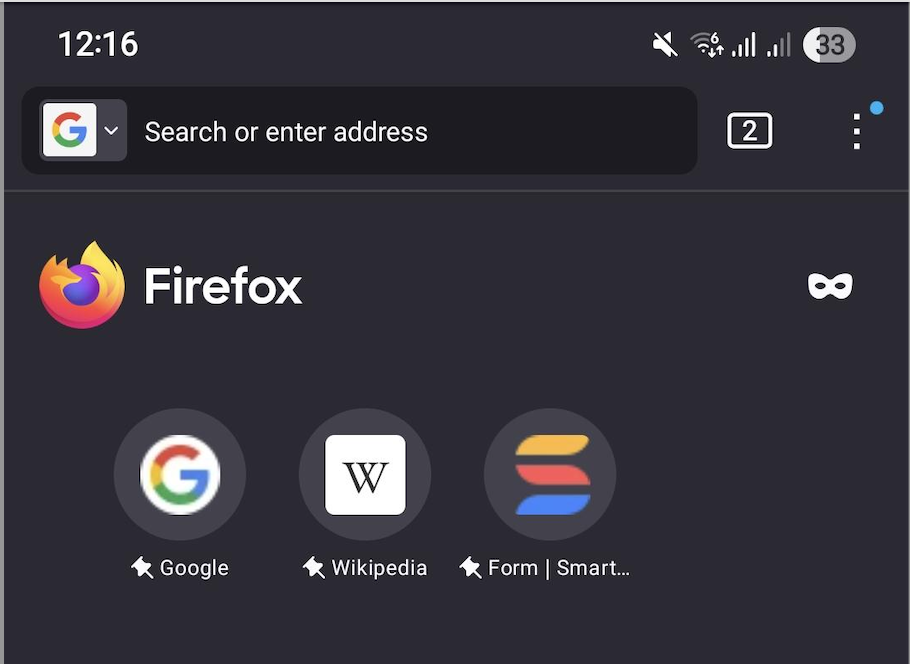
Enter the form’s web address in the address bar and open the form.
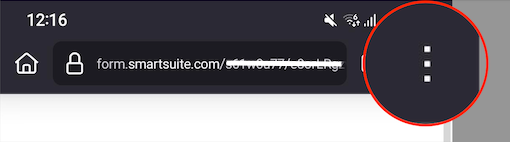
Tap the three-dot menu (More) in the top-right corner.
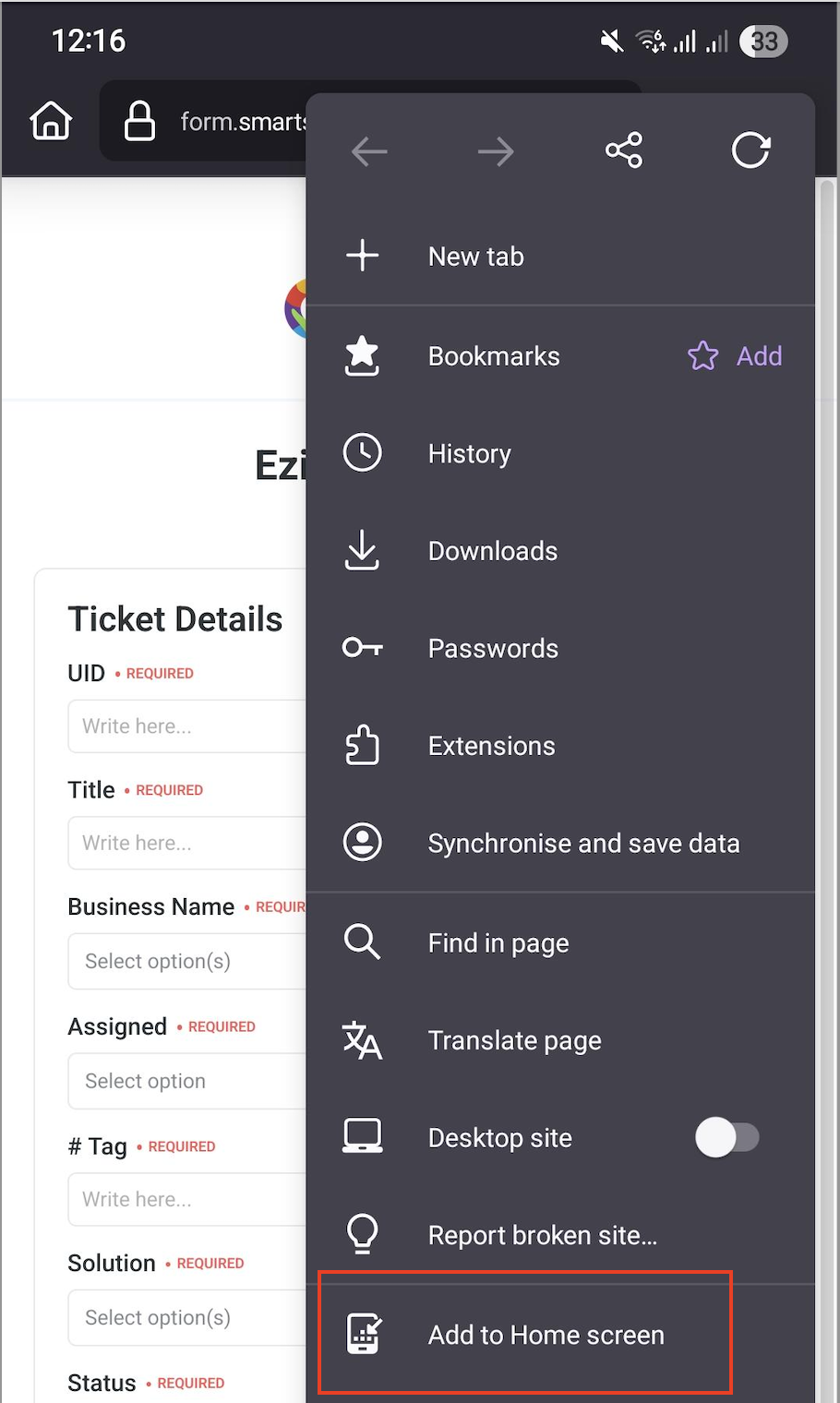
Select Add to Home screen.
Enter a name for the shortcut and tap Add or Save.
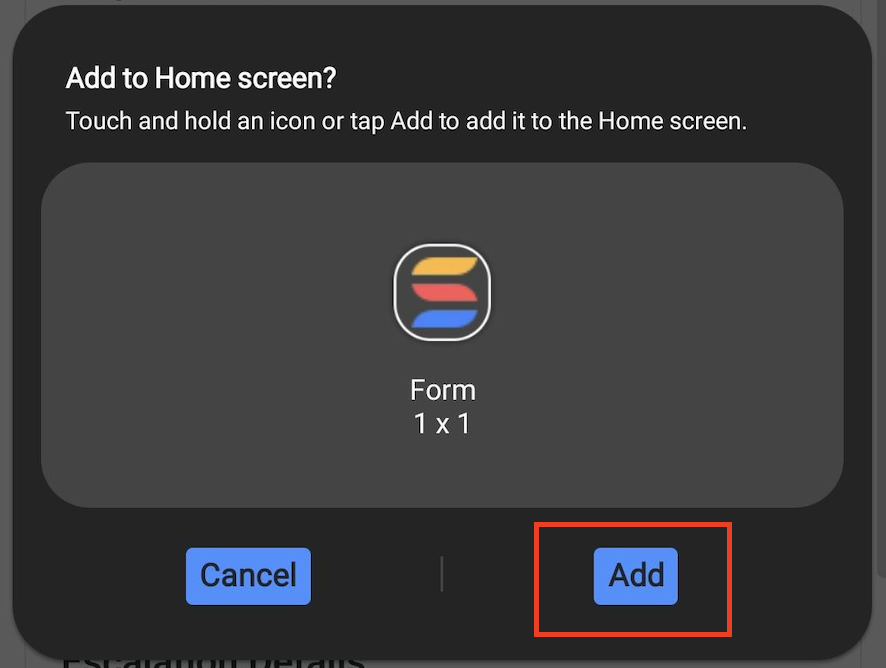
The shortcut will now appear on your phone’s home screen for quick access.
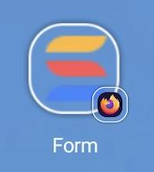
When tapped, it will automatically open the form.