
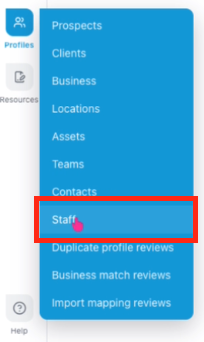
From the Home page, navigate to Profiles, then select Staff.
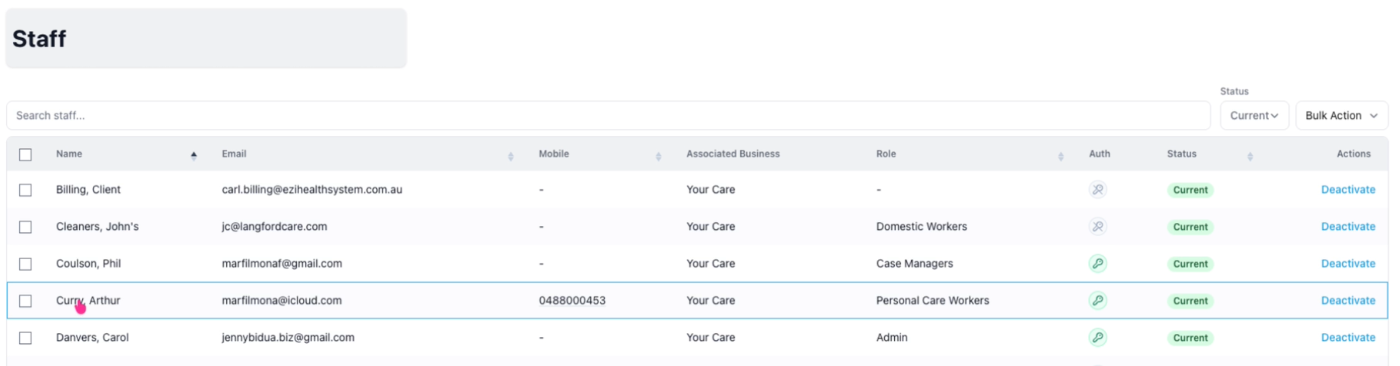
Find the staff member's profile with a pending leave request.
Then go to the Availability tab.

Pending leave requests will be displayed here, showing the leave type, first and last day of leave, status, notes, and available actions.

Simply click the Approve button to approve a leave request.
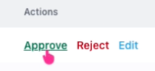
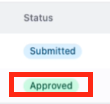
The status will then change to Approved.
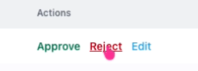
Alternatively, you can reject a leave request by clicking Reject.
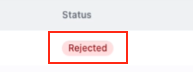
The status will then change to Rejected.
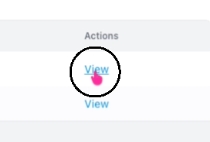
You can also view the leave details by clicking View.
Click Override Approval to change your previous decision by selecting Approve or Reject for the leave request.
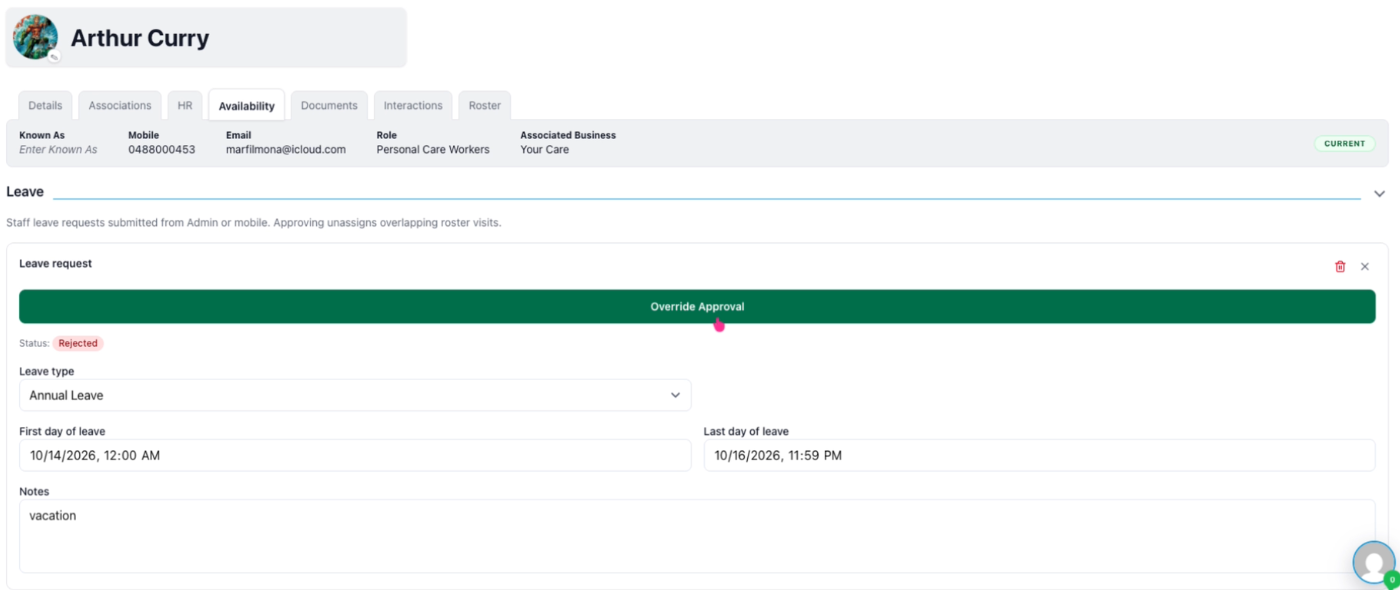
Click Override Approval to confim.
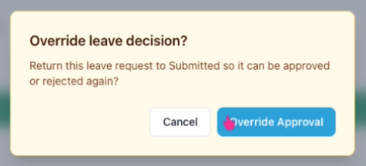
Click Approve to update the previously Rejected leave request.

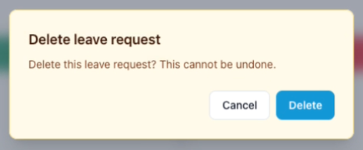
You may also delete the leave request by clicking the bin icon.

Click Delete to confirm or Cancel to cancel the action.