

Logo

Eziplan Care Management

Need help with Eziplan Rostering?

Making a User a Case Manager

User Profiles

Making a User a Case Manager

How to make your staff Case Managers so that they show up in the Client Profile and Package Schedule drop down boxes

Last updated on 08 Aug, 2024

Find the user profile you wish to make a Case Manager (see Finding a User Profile). Once in the profile select the View/Edit Care Worker Details tab.
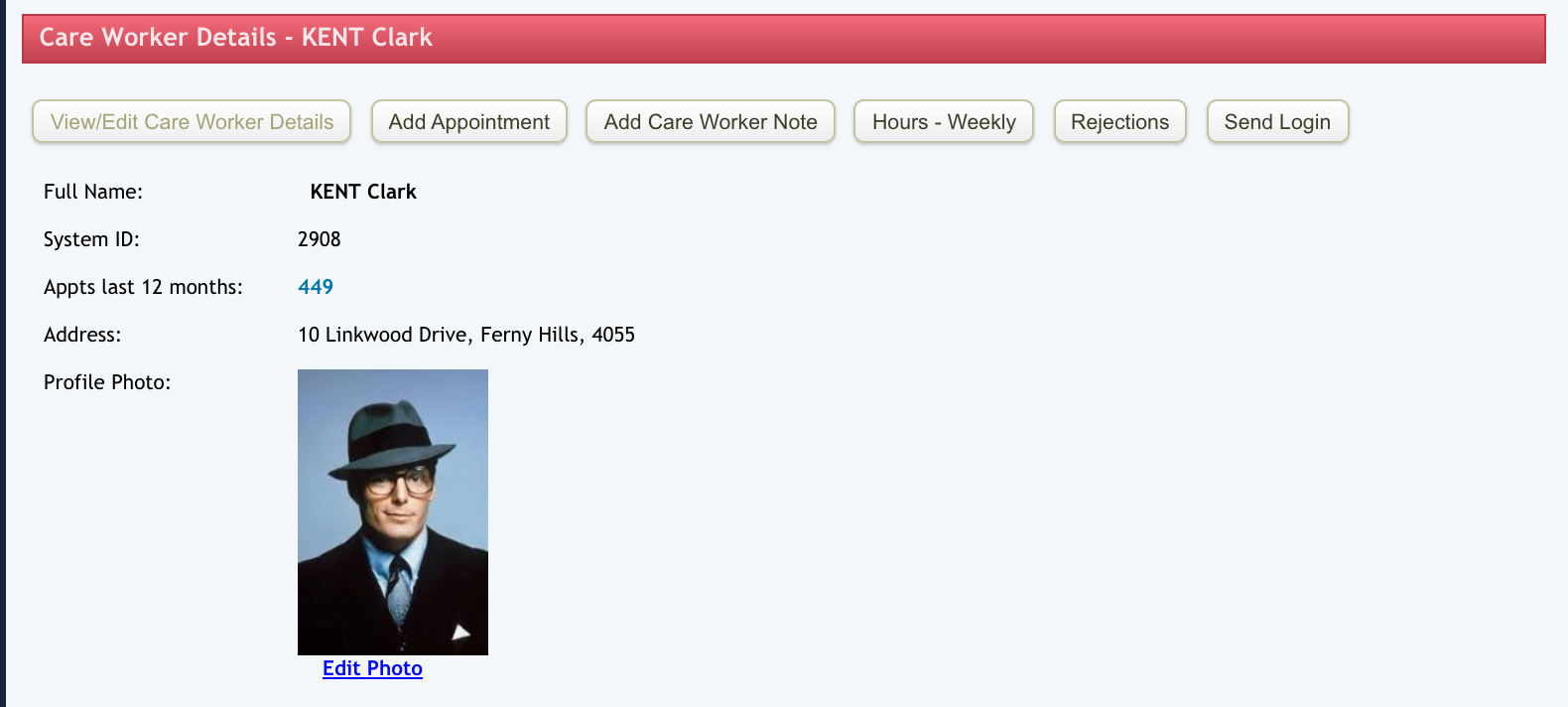
Image

Scroll down to the Case Manager field and check the yes option then don't forget to Update User.


Your user will now show up in the Case Manager drop down options in the Client Profiles (see Adding a Case Manager).
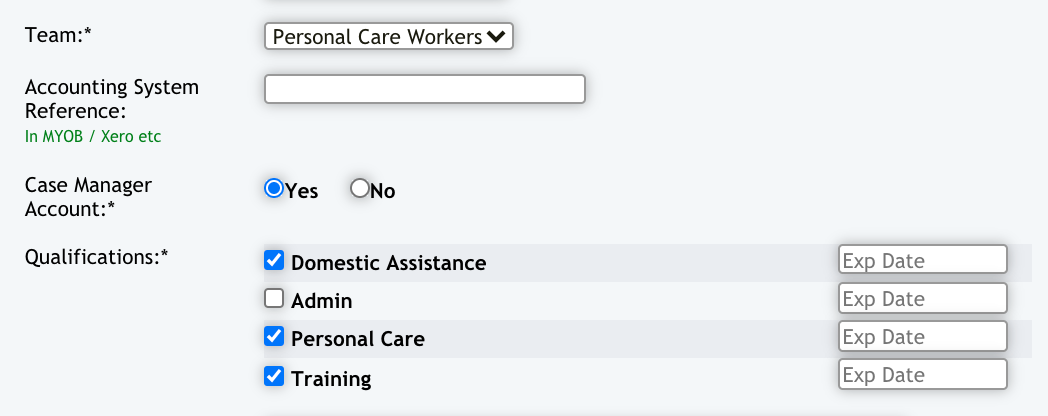
Image
Did you find this article helpful?
Previous

GPS Location Tracking / Geo Fencing

Next