

In your NDIS Invoice List, find the invoices you want to claim from PRODA using the search options and check them off. You will probably need to filter your list for the Billing Type 'NDIS - NDIA Managed'.
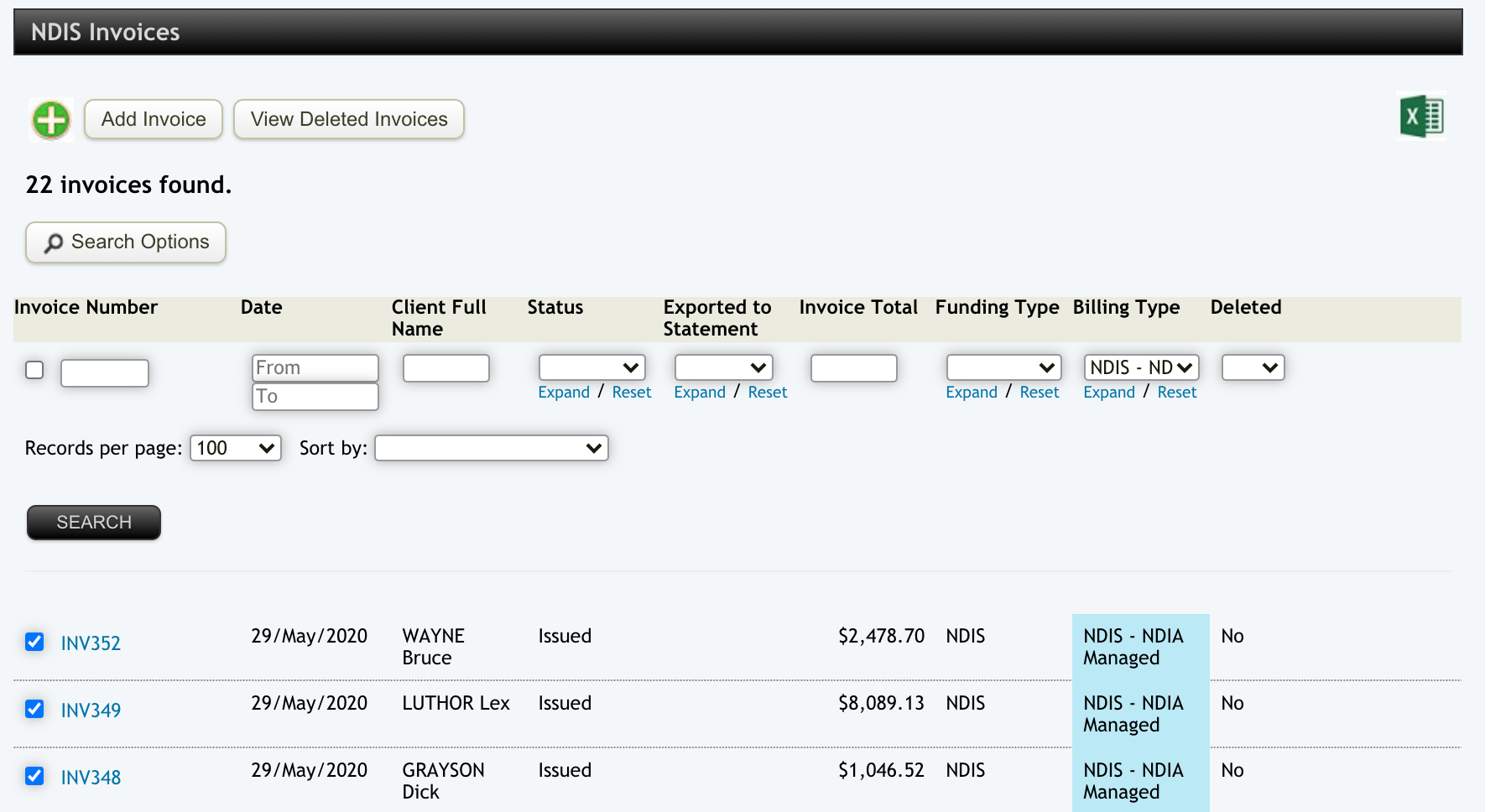
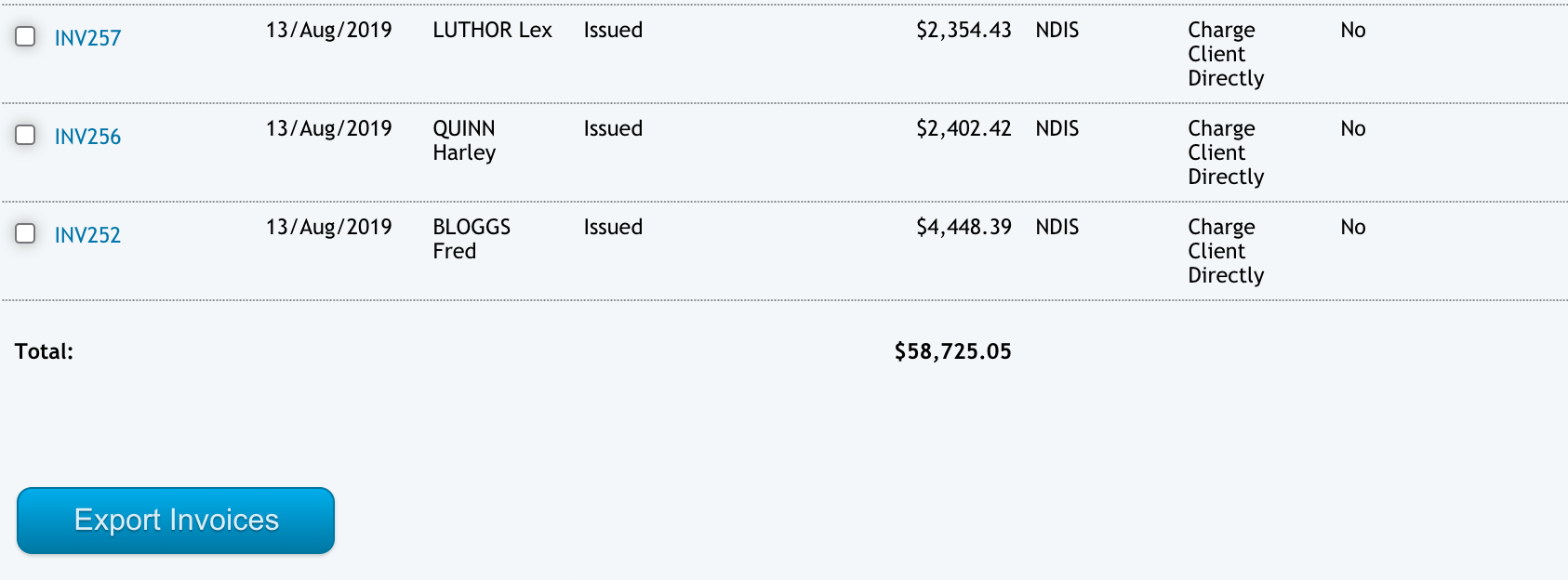
Go to the bottom of the page and press the Export Invoices button.
Then choose the option to Export to NDIS Bulk Claim File and click the EXPORT button.
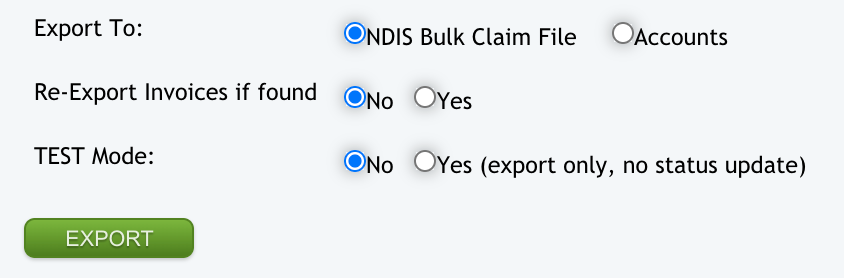
This will export a file that you can upload to the PRODA website to make an NDIS claim. This file will be set up with your Implementation team during the Implementation process.