

Sometimes services that you provide to clients are not covered by the Commonwealth and your balance of Funds Held by the Provider will go into the negative on the Client IPA statement. When this happens you need to invoice the client for the amount.
When those funds come in:
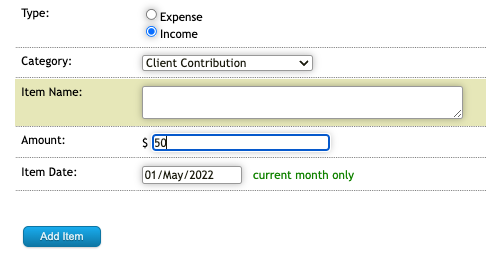
add them to the statement by choosing to "Add Statement Item"

choose the "Income" option for Type and the "Client Contribution" option for Category and add the amount and date received.
Open the claims tab
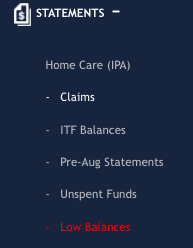
Find the claim using the search options and open it by left clicking on the link.
Add the amount you with to move from Client Contributions in the "Contributions Deducted" field and update the claim.
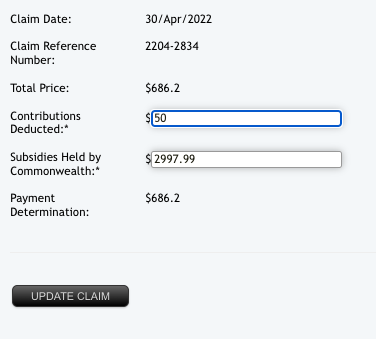
When you go back to the statement you will find the amount transferred from Client Contributions balance to the Held By Provider balance.
If you need any further assistance with this task please contact the Ezihealth Support Team through the Helpdesk.