

Overview
Support at Home client statements now include the client's mailing address directly on the statement document. This ensures proper delivery when statements are sent via post.
How It Works
The system automatically includes the appropriate mailing address on statements based on the following priority:
Client billing address (if populated in client details)
Client primary address (as recorded in the client profile)
Setting Up Client Addresses for Statements
To ensure statements display the correct mailing address:
Step-by-Step Instructions
Navigate to Company CRM > Clients
Select the relevant client
In the Details tab, ensure either:
A billing address is entered in the free-text billing address field, OR
The client's primary address is complete and accurate
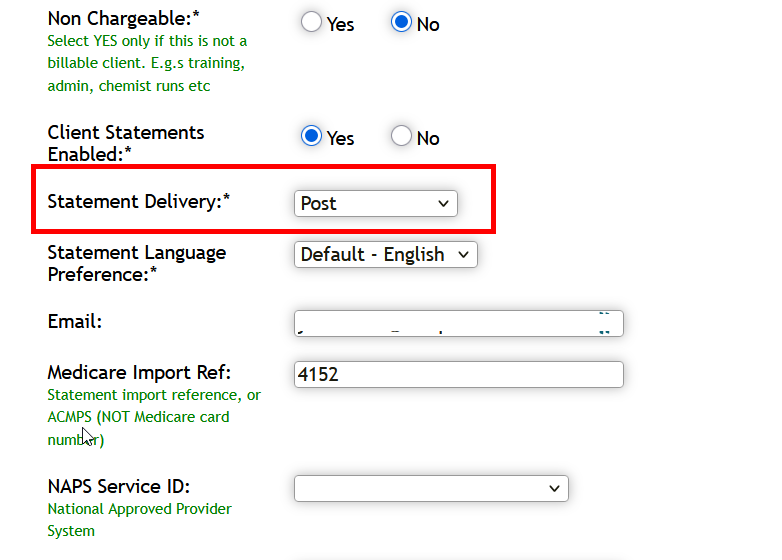
Verify the "Post" preference is selected if statements will be mailed
Viewing the Address on Statements
Once configured, the client's mailing address will appear in the "Send To" section at the top of generated statements.
Best Practices
Always verify client addresses are current before processing monthly statements
Use the billing address field for clients who have a different postal address than their service delivery address
Update addresses promptly when clients notify you of changes to avoid returned mail