Logo

Eziplan Care Management

Need help with Eziplan Rostering?

Adding Additional Notes to a Client Profile

Eziplan Mobile App

Adding Additional Notes to a Client Profile

How to add an ad hoc note to the profile of a client you are rostered to provide services for

Last updated on 09 Dec, 2025

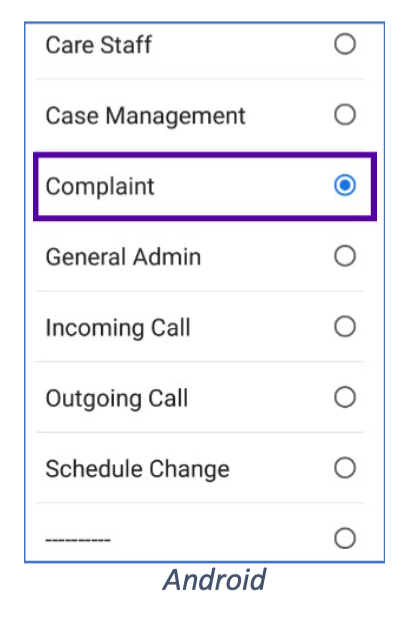
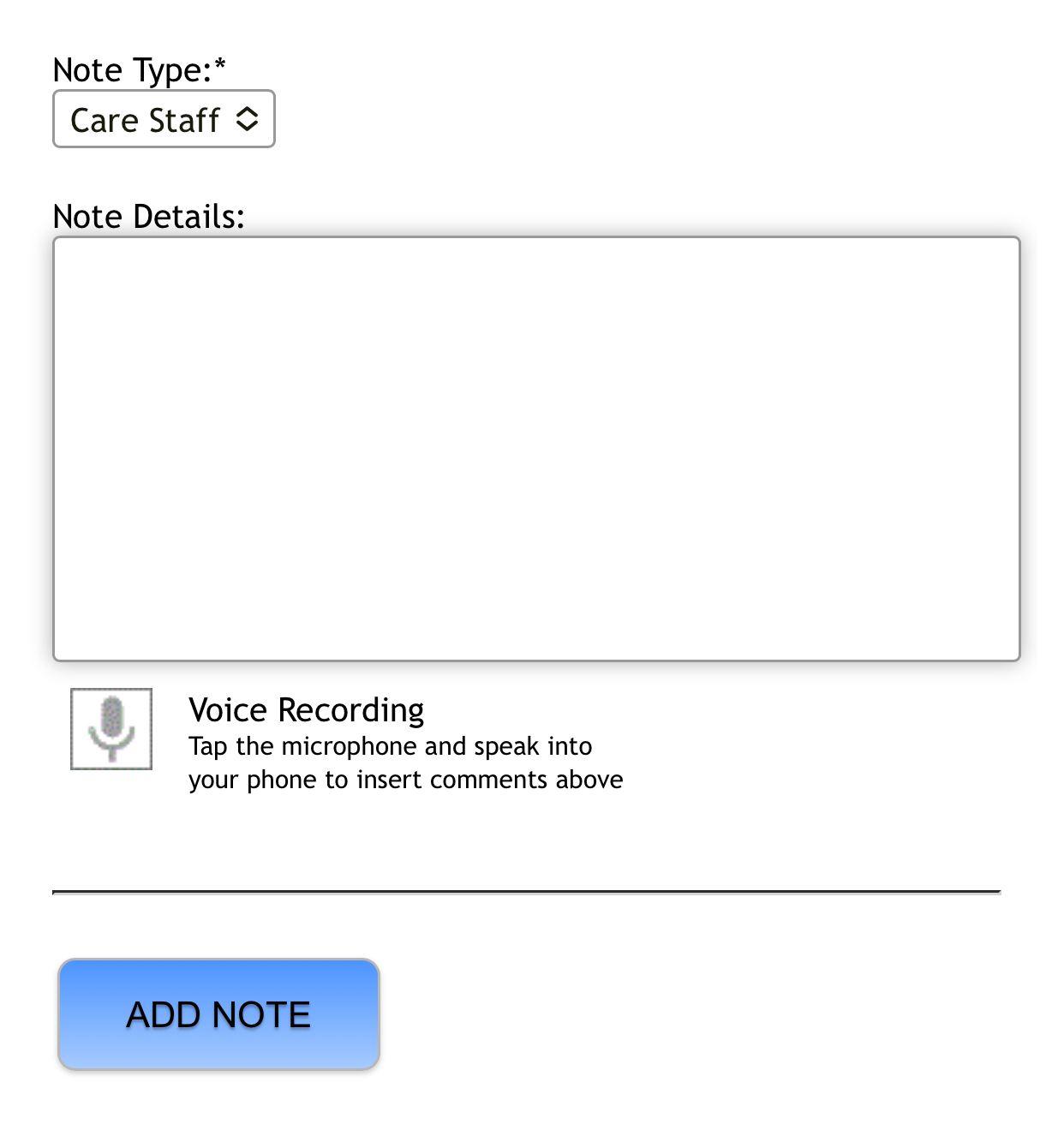
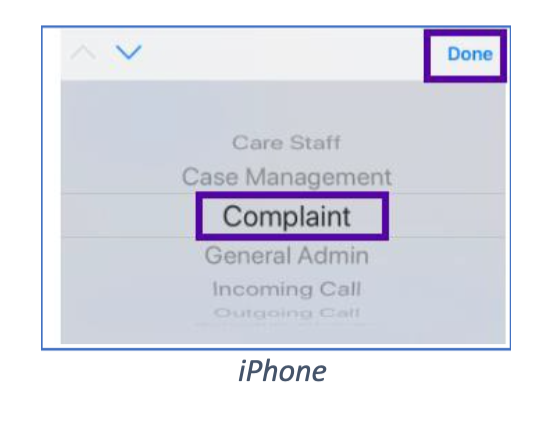
Note entries already created cannot be edited, but new notes can be added. Open the clients information (see Viewing Client Information) and scroll down to the Add Notes section. Select the Note Type*, enter in the Note Details and tap Add Note.
Image

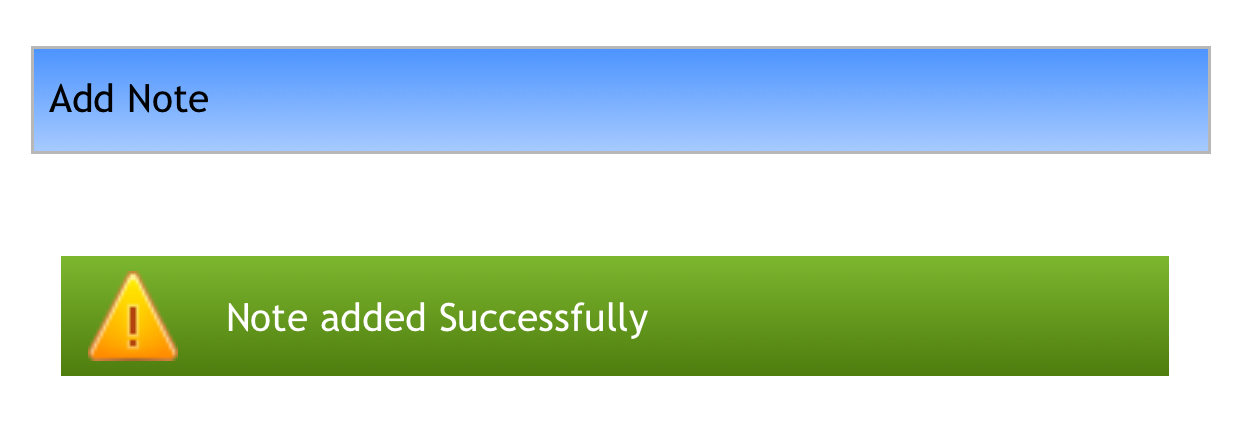
A confirmation message will appear in a green notification bar.
Image

*List will display dependent on OS type.
ImageImage


Did you find this article helpful?
Previous

Alert Types 1 - Pending Completion

Next