Logo

Eziplan Care Management

Need help with Eziplan Rostering?

Appointments V2 - Adding task types

Appointments V2 - General

Appointments V2 - Adding task types

You can create task types within TurnPoint. Once generated, scheduling staff can select relevant tasks to the appointments, which then will show up as a checklist/reminder on appointments for care workers.

Last updated on 09 Dec, 2025

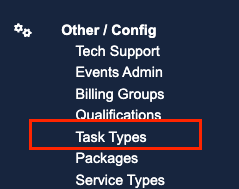
1. Click on "Task Types" under Other/config menu
Image

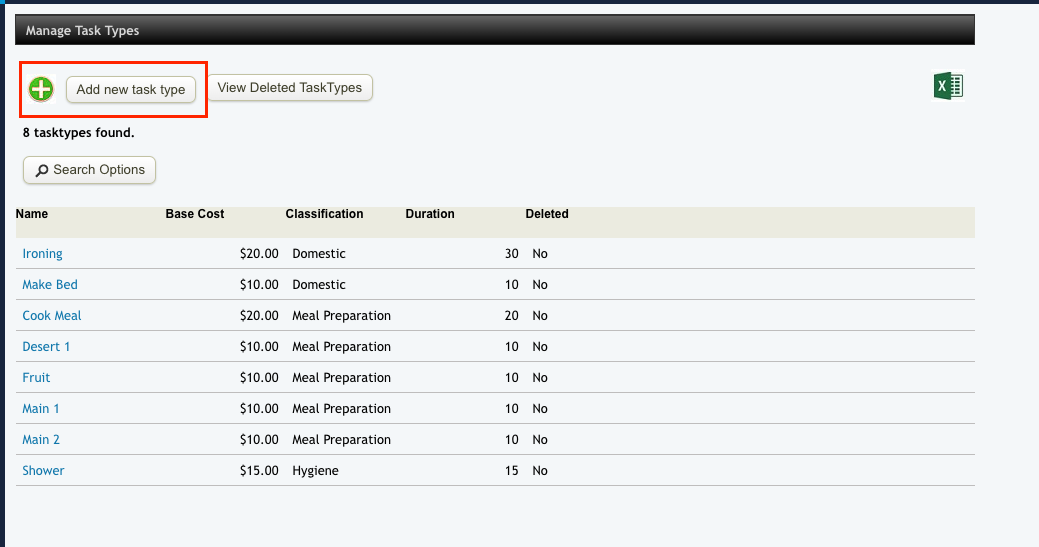
2. Click on “Add new tasks type” and fill out the blanks
Image


mceclip2.png
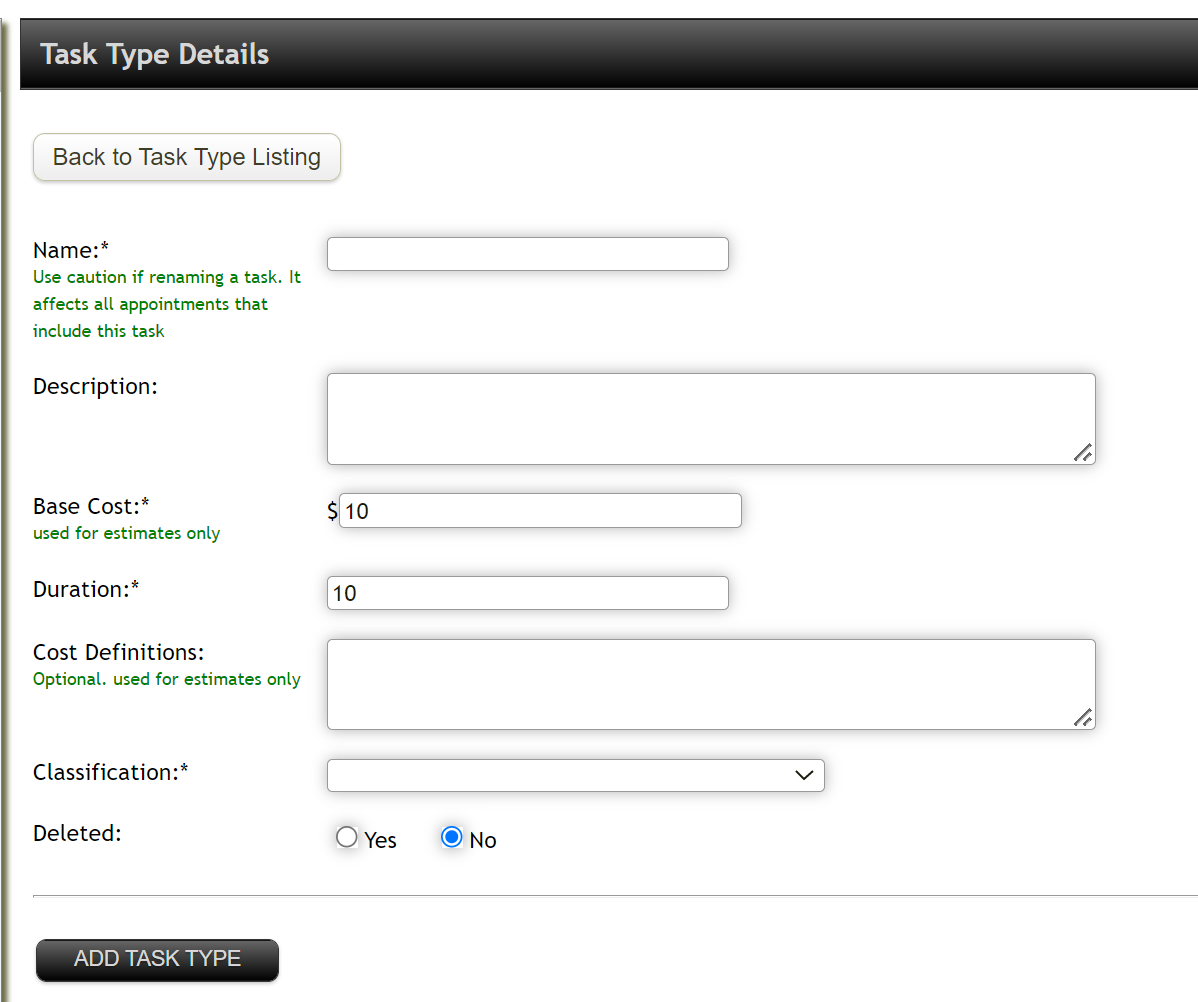
  • Name: give name of task (i.e. reading, window cleaning, laundry, etc)

  • Base Cost and duration is for estimates only

  • Classification: select relevant classification from the list

3. Once completed, click "Add task type"

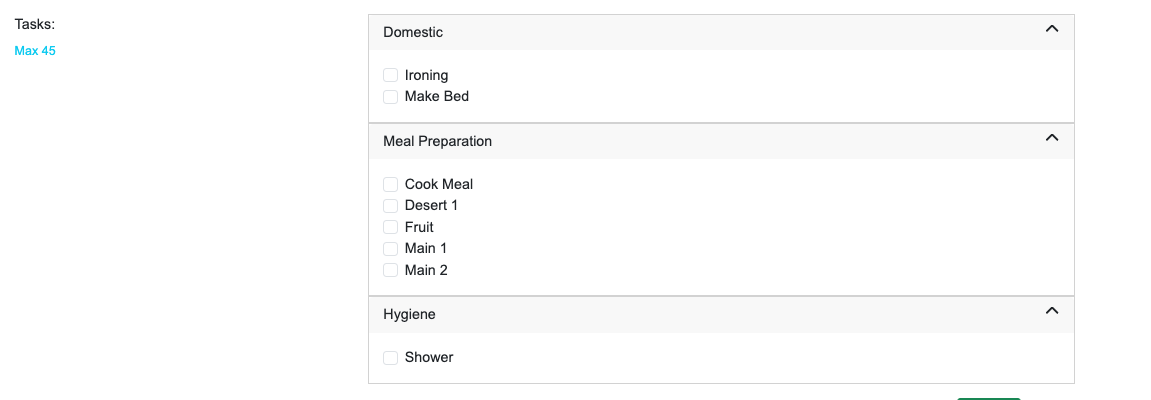
4. List of tasks will appear when creating appointments.

Image


Did you find this article helpful?
Previous

Group Appointments

Next