

Another type of alert you may see on the Home screen is the Pending Approval alert. It will appear in a red box with the symbol next to it.

You will see this if the appointment is for today and it has not been accepted. It will also appear if a change has been made to any of today’s appointments by your scheduling team.
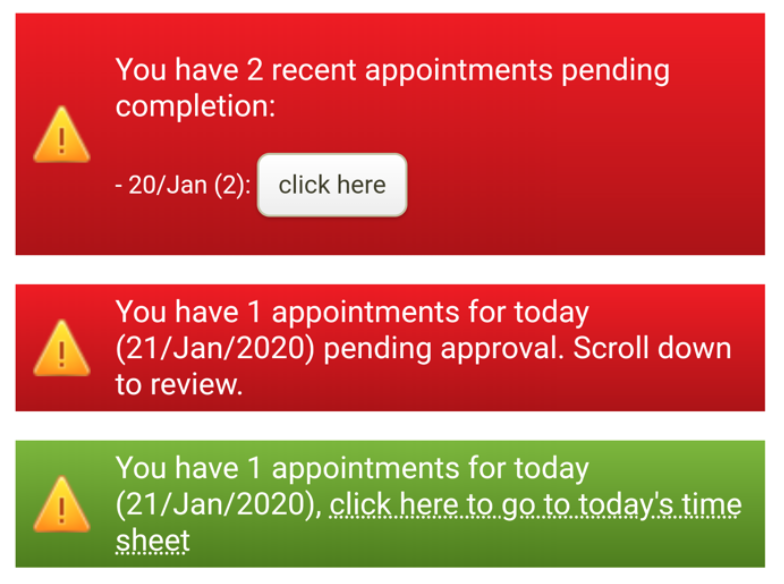
You will need to scroll down to your upcoming appointments list.