There are times when you need to schedule several repeat appointments with similar details, like booking three sessions for the same service for every Monday, Wednesday, and Friday.
With Eziplan, this task is made easy by enabling you to duplicate appointments with ease, eliminating the need to create each one individually.
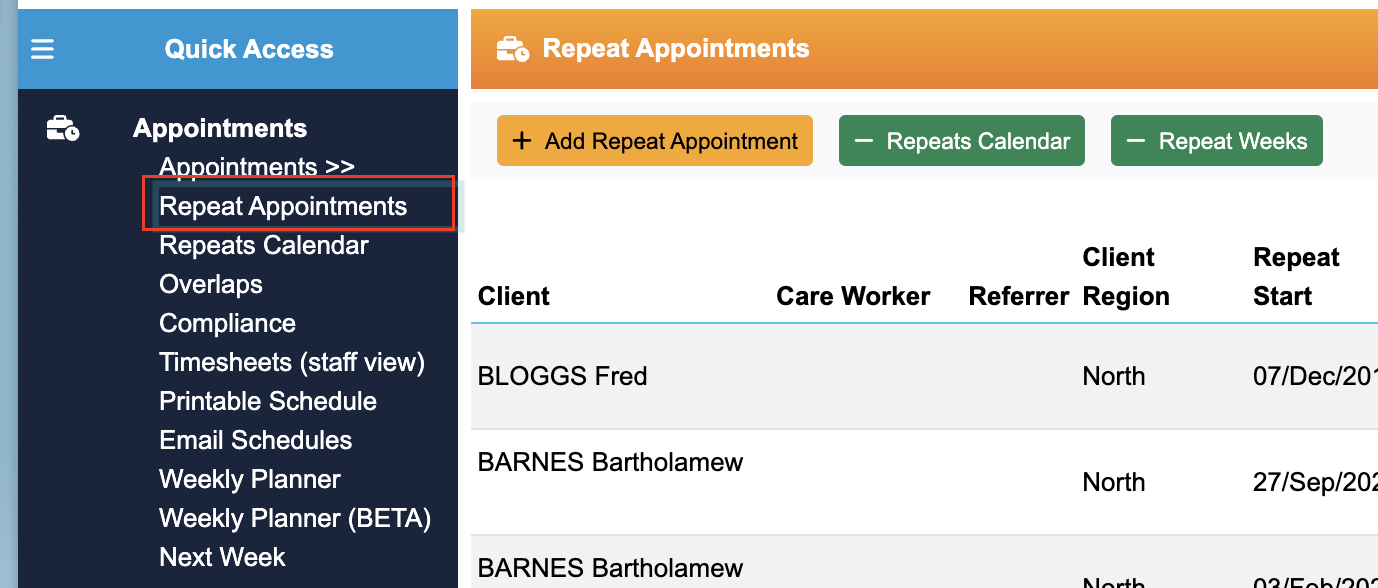
1. Locate the repeat appointment you want to copy through repeat appointments menu
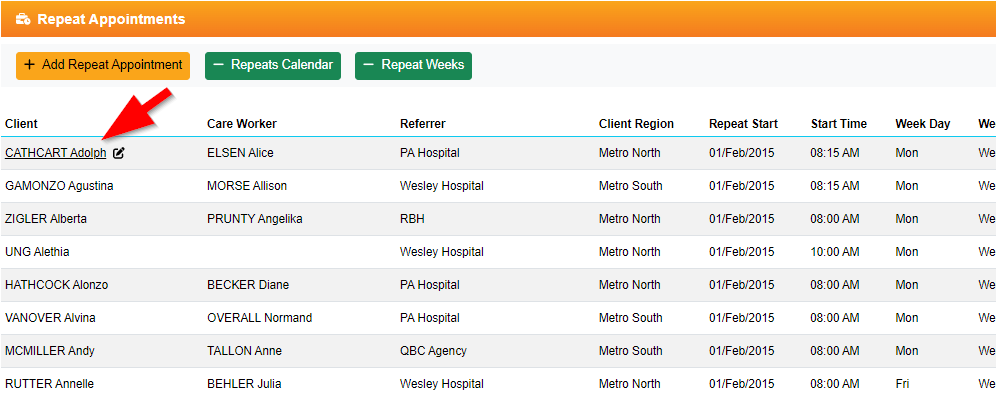
2. Click on client's name of the repeat you want to duplicate
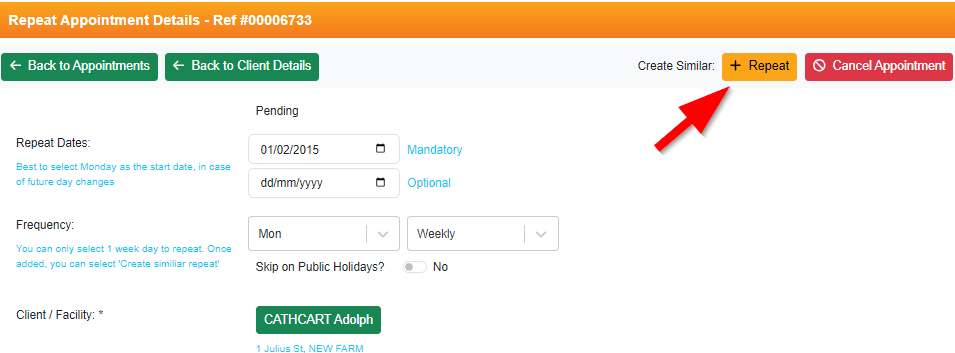
3. Find "Create Similar appointment" button at the top right hand corner
4. Green banner will be displayed at the top indicating that you are on copied repeat appointment. (Do not proceed if you don't see this banner)
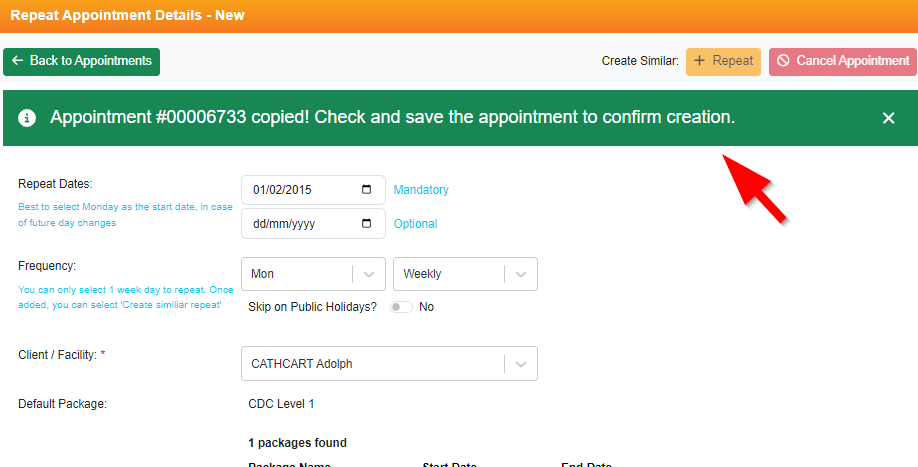
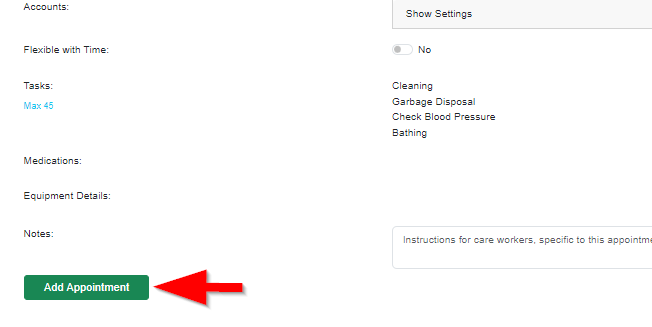
5. Make change where needed (e.g. date, service type, or time of appointment, etc), and once done click on "Add Appointment"
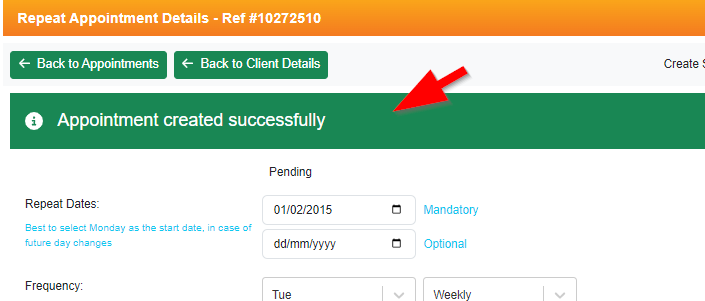
6. When created successfully, you will be able to see this banner at the top