

At times, staff may be required to use a range of single-use items e.g. bandages which can be allocated for use during an appointment.
Allocating Equipment for use in an Appointment
To allocate n equipment in an appointment, follow the usual steps for Appointments V2 - Creating a Repeat Appointments or Appointments V2 - Add a Once-off Appointment
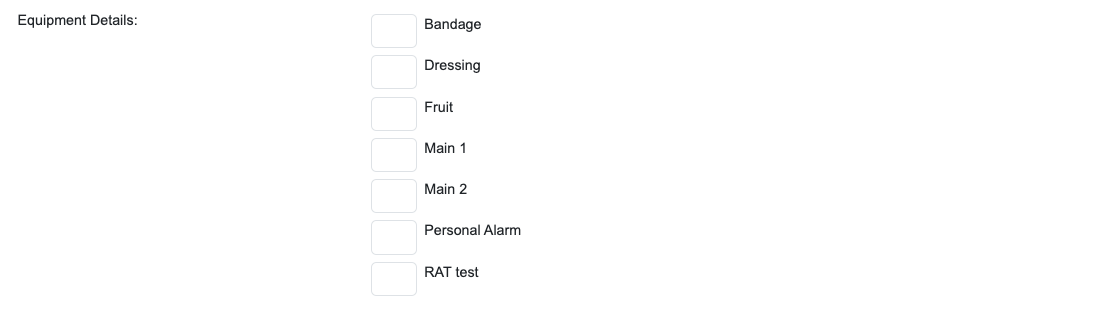
Towards the bottom of the screen you will see the Equipment section below the Task Classification headings. For equipment you want to allocate to the appointment, tick off the item and enter the number you are wanting to allocate for that appointment before saving.
When your staff go in to process their appointments, the allocated tasks will be sitting there in the appointment section for them to mark off what they attended to before they complete the appointment.