If you are looking to sort out all the public holiday appointments that you have scheduled in advance, and before you have scheduled them into the Weekly Planner, you will need to pull out a list to work from.
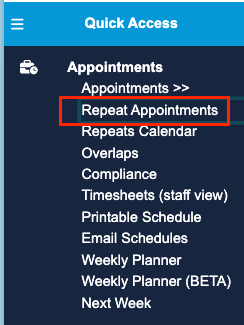
From the Eziplan Menu: Appointments > Repeats
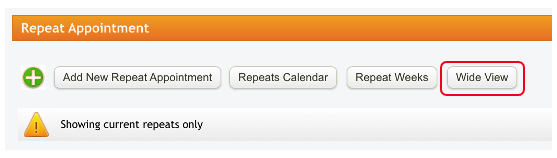
Choose the options for Wide View from the buttons at the top of the page.
Adjust the screen zoom size to see all required columns and filter the list by whatever items are required making sure you choose the Week Day that your Public Holiday will fall on and the "No" option in the Skip Public Holiday column (this will remove all the ones you have already marked to skip Public Holidays when making the appointments).
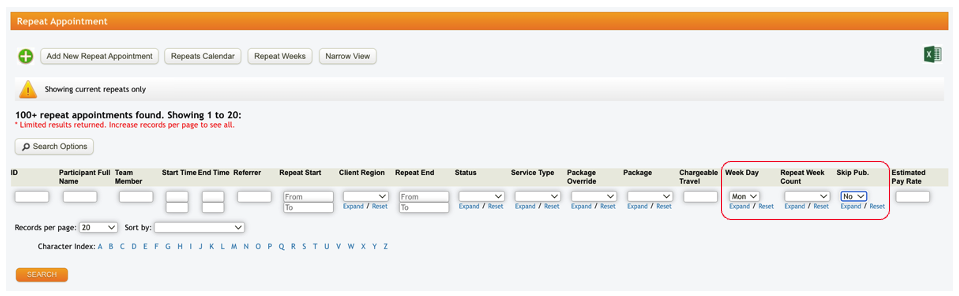
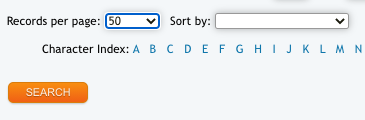
Make sure you have enough records/page chosen to cover the total appointments in the list and hit the Search button.
You can now use the list from here (I suggest you open another tab to work in so you don't have to keep resetting the search) or download the list as an Excel file by selecting the green icon in the top right corner of the page.