

The following will step you through how to send an email from your desktop version of Eziplan through to the support help desk for assistance.
In the bottom right hand corner, there is a blue coloured 'chat' widget:

When you click on this, a window will pop up giving you two options:
1. Search for a knowledge base article based on a specific topic
2. Send an email through to the help desk
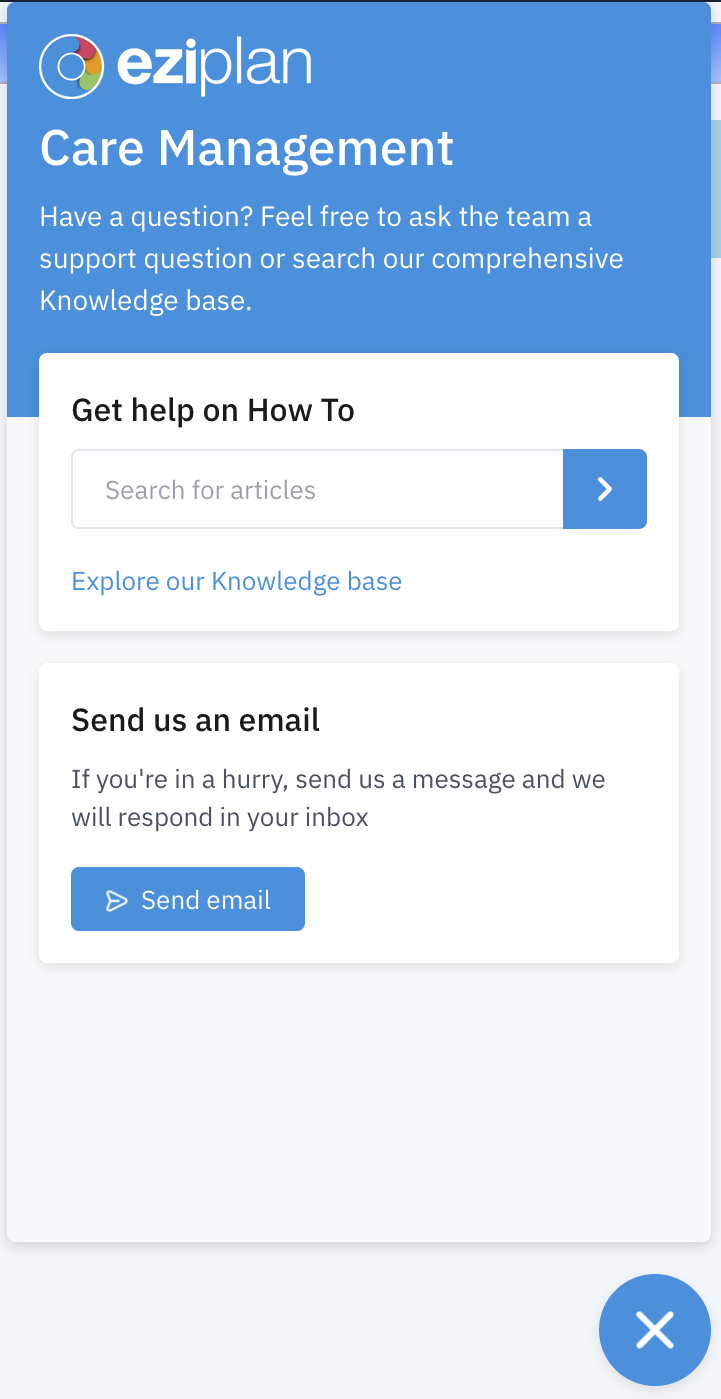
Knowledge Base Articles
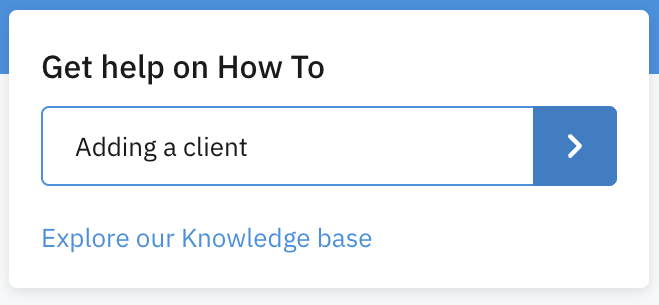
To search for a specific topic e.g. how to add a client, type the topic into the search field and then click on the blue arrow to the right of the field:
This will then bring up a list of articles that may match your search:
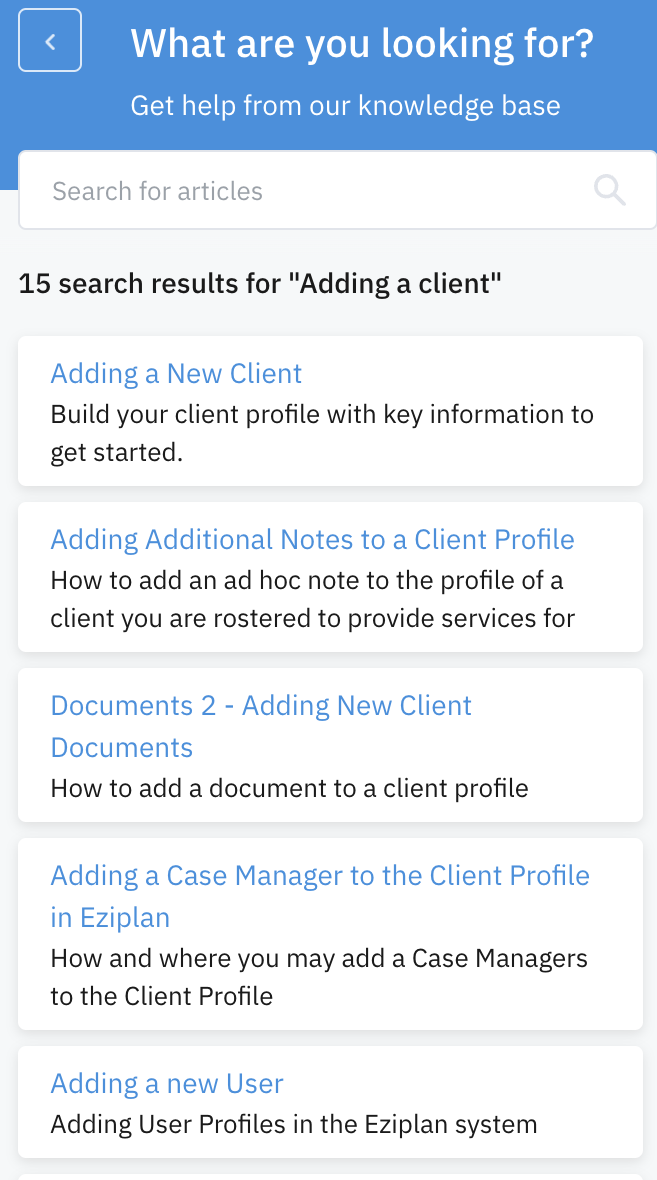
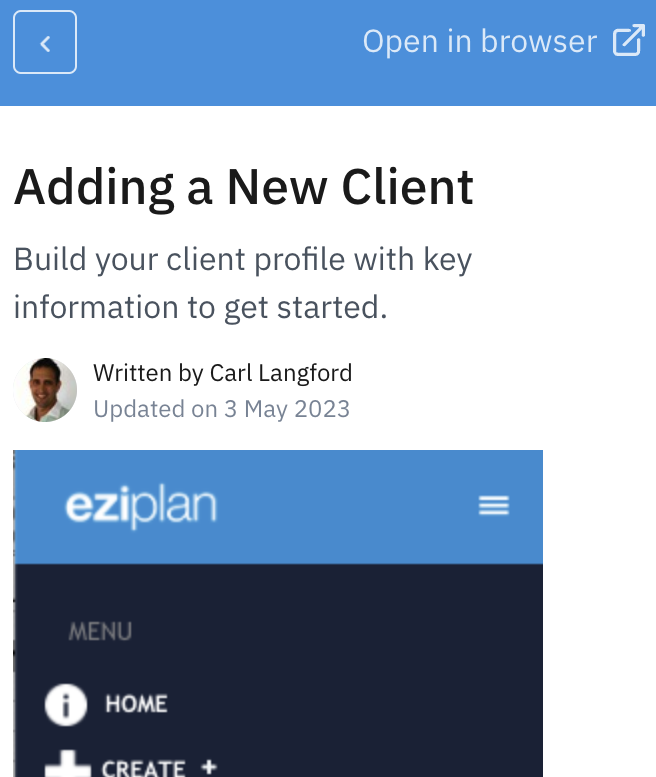
Click on the blue title (hyperlink) to access the article that you feel best matches your search. You have the option to open the article in your browser also by clicking on the link at the top right corner:
Help Desk
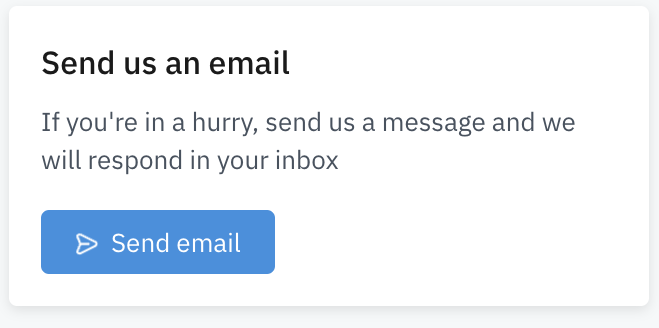
To send an email to the help desk, click on the blue 'Send email' link:
This will open up a new window where you can enter your details, a subject for the issue and then include details (including adding attachments) for the issue you are needing assistance with:
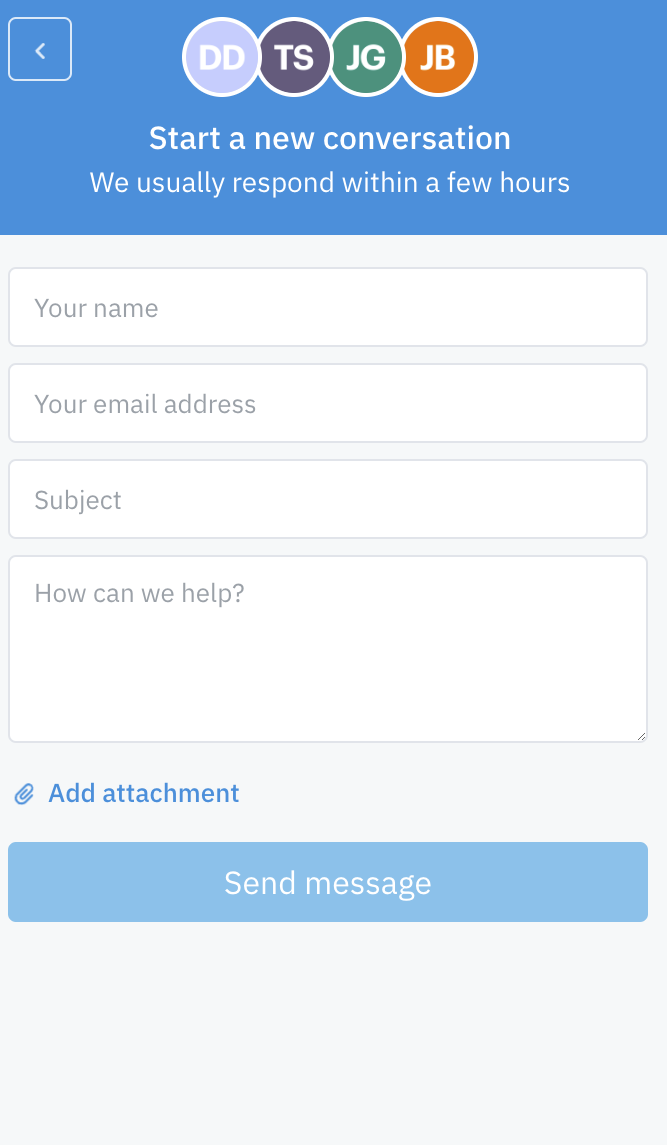
Once you have filled in the necessary information, the blue 'Send message' button will no longer be faded out and you can click on it to send the email through to the help desk.
We endeavour to respond as quickly as we can, usually within a couple of hours. If the matter is of an urgent nature, you can highlight this by including 'Urgent' in the subject line.