

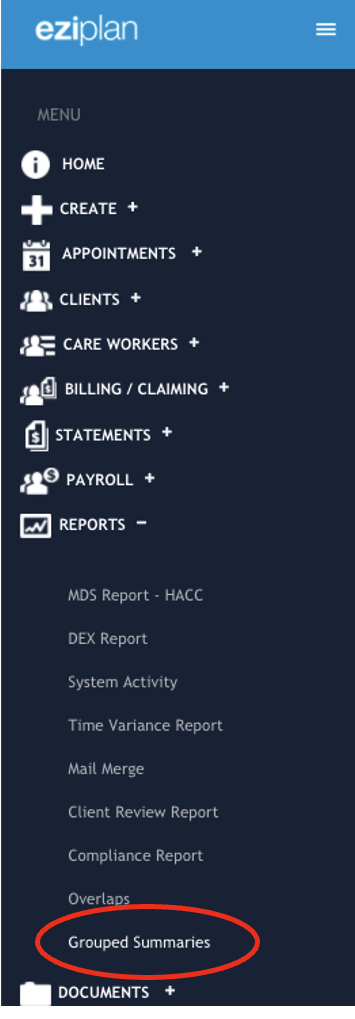
From the Eziplan Menu:
Reports - Grouped Summaries
Once in the Grouped Summary page, you will be able to see a list of items that the system is able to create a report on.
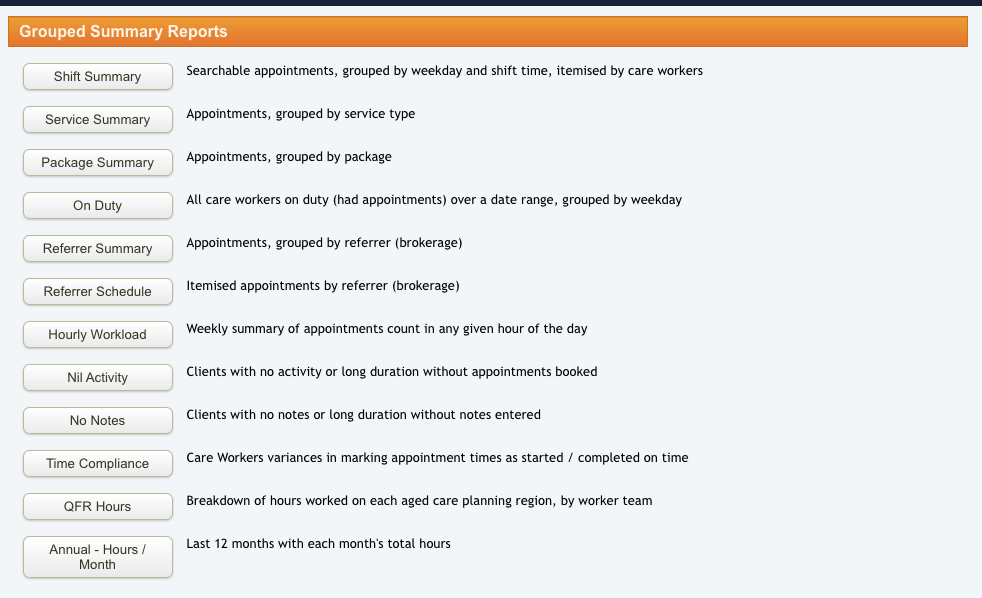
Proceed to the first article, Shift Summary to learn on how to generate a summary report on Care Worker’s shift based on appointments (grouped by weekday and shift time).