

Leave requests can be accessed and viewed in a couple of locations in the system:
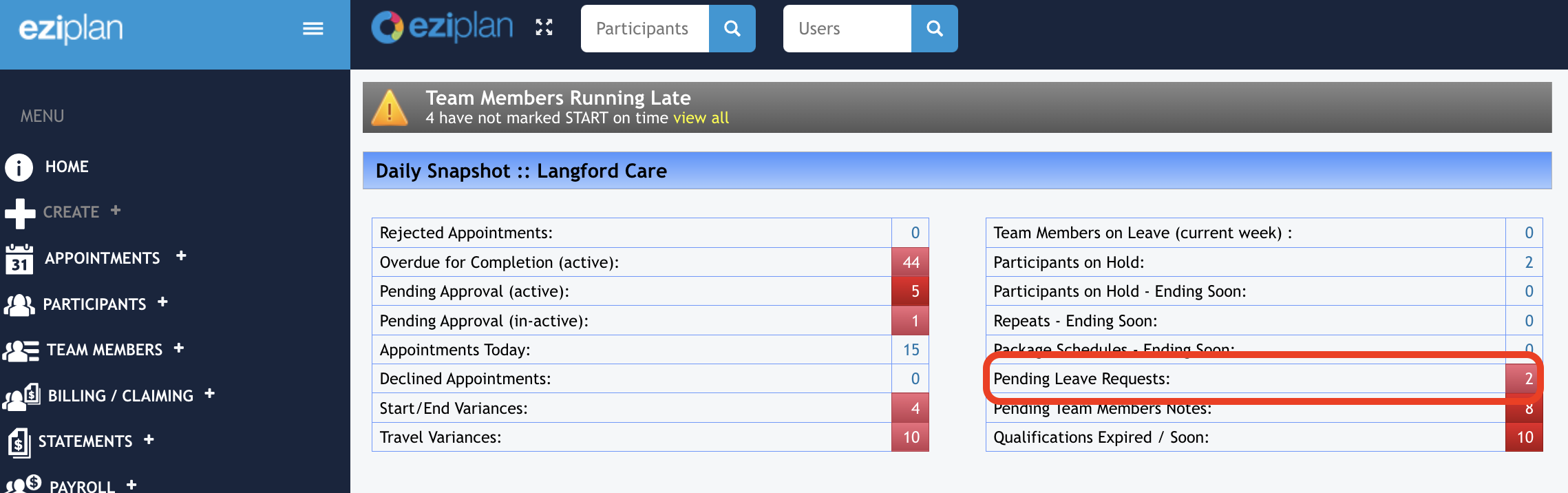
1. From the home screen, you can see the number of pending leave requests (leave that has been submitted up to 28 days earlier and then into the future)
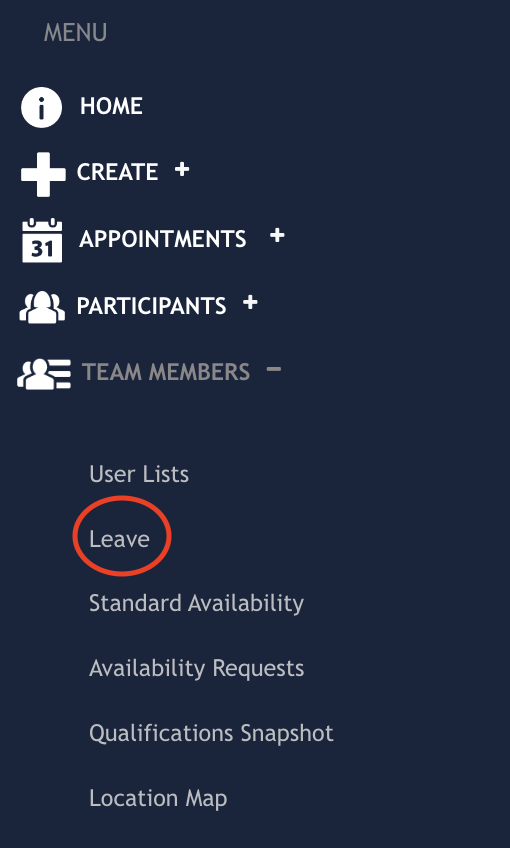
2. From the left hand menu panel, click on Care Workers/Team Members etc and then select Leave from the drop down options
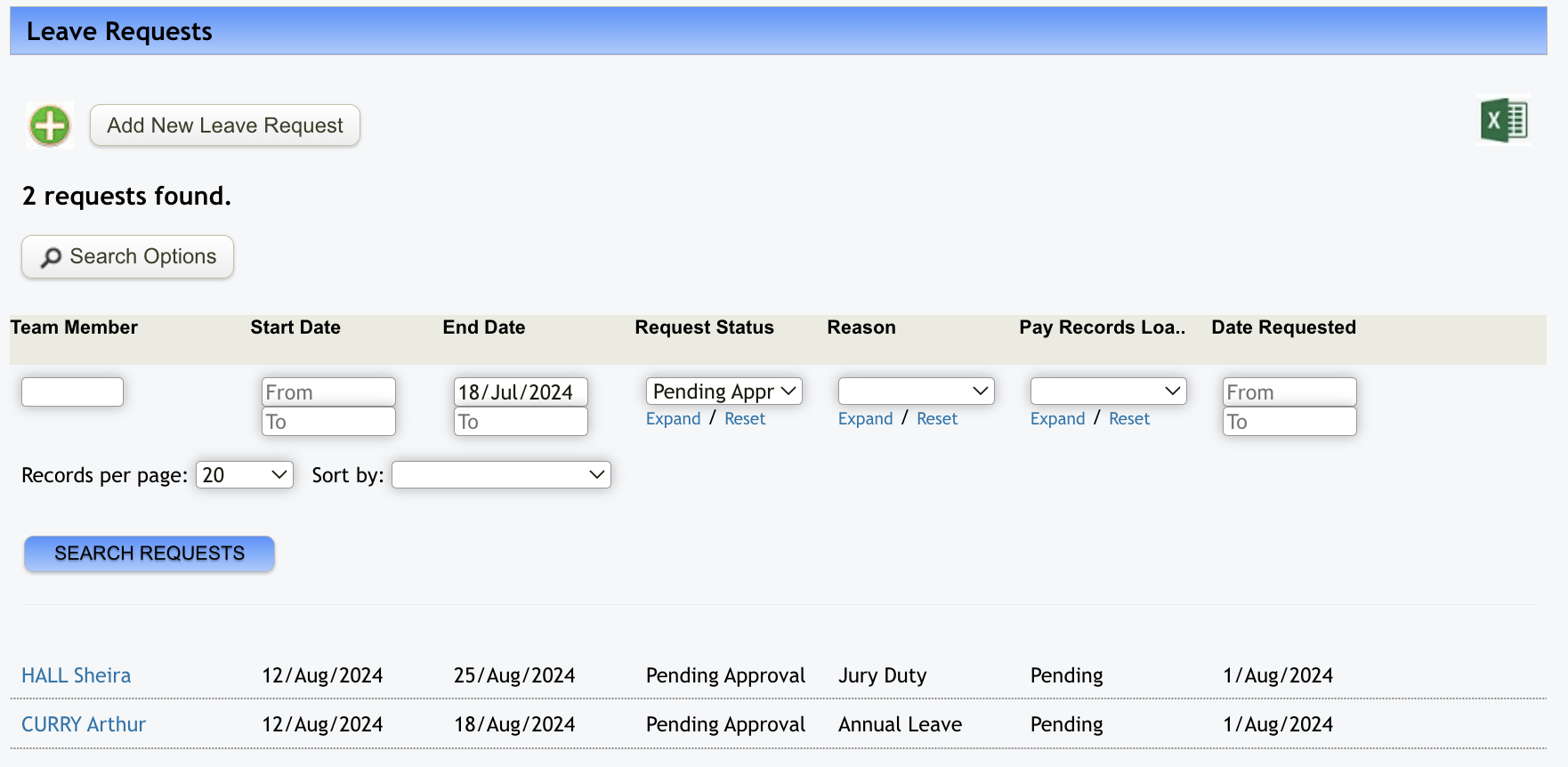
Going in through the home screen will give you the below view - here you can further refine your search using the different fields available for filtering. Remember that the system will search for items that meet all of the parameters you are putting in.
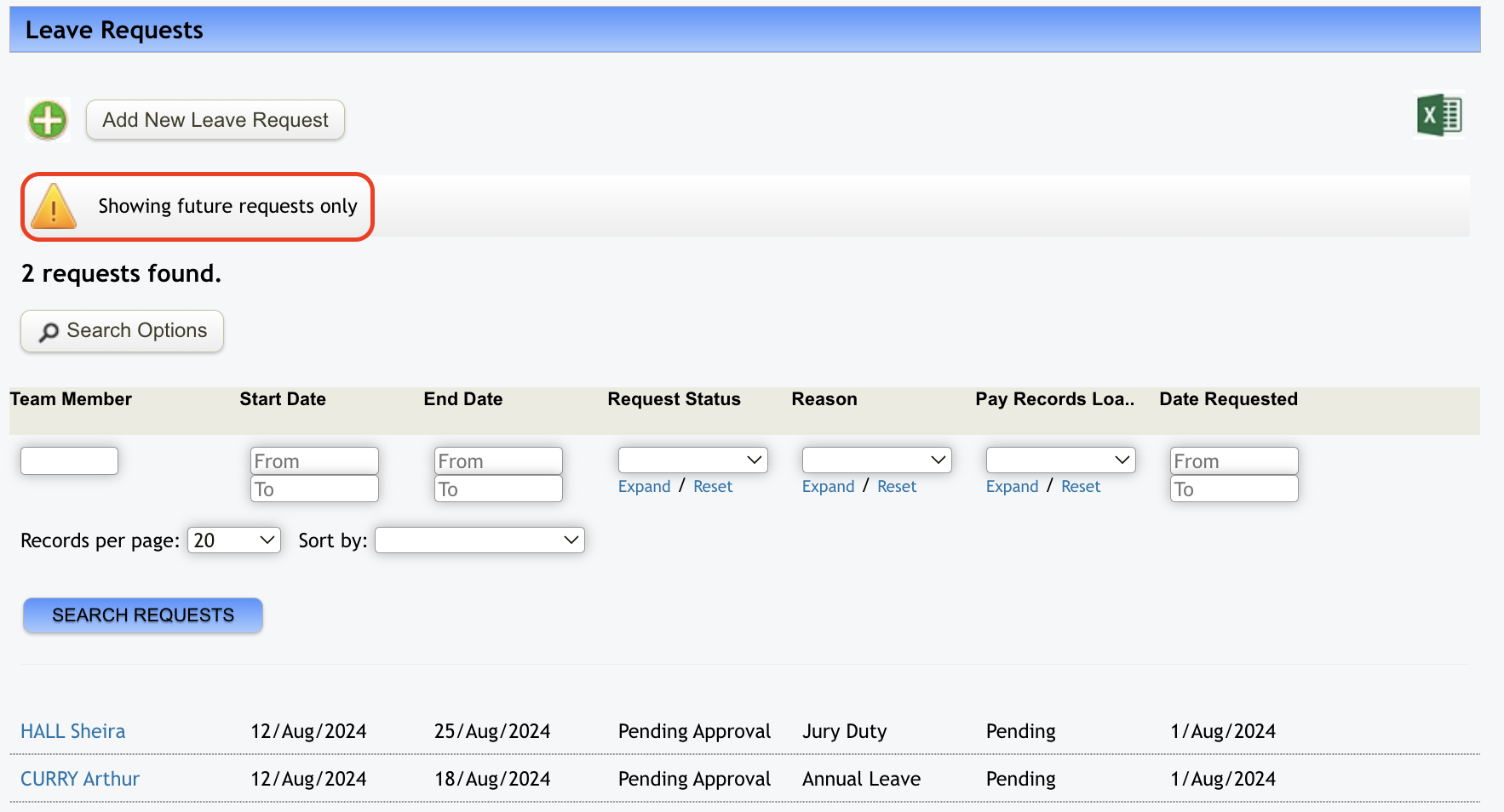
If you go in through the left hand menu panel, the difference in the display you get is that this one will show you future requests only.
From either screen, you can then process the leave request by clicking on the name of the worker which opens up the following page:
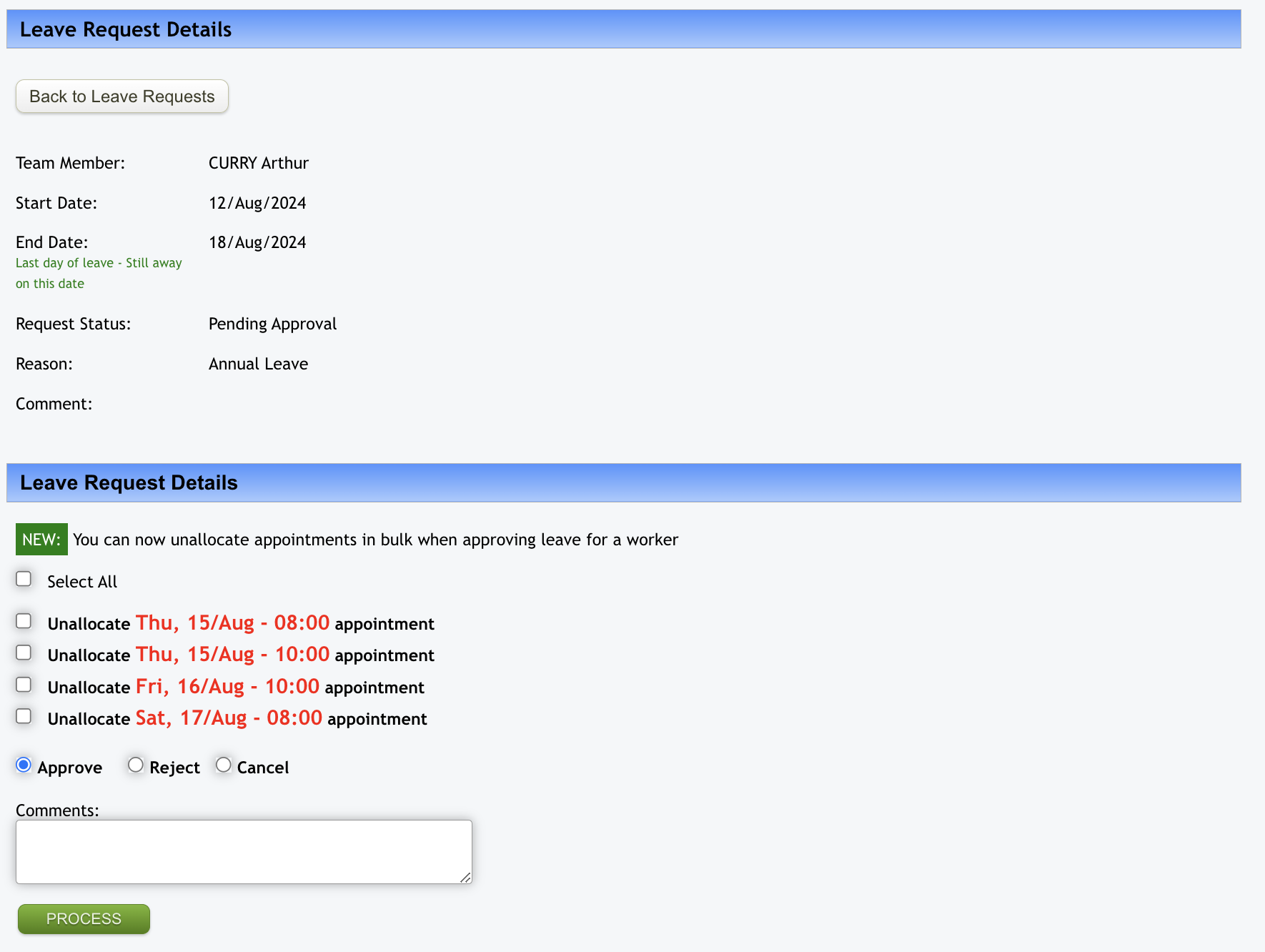
As well as the option to approve/reject/cancel the leave request, you can now also unallocate any appointments that have been allocated to that worker for the period of the leave request. Either click on the 'Select All' box or the boxes against the appointments you want to unallocate before selecting 'Approve' and then clicking on 'Process'. This will then move those marked appointments out of the care worker's roster and into the left panel of the Weekly Planner for action when completing the schedule for that week. N.B. The care workers name will still sit in the drop down box of the appointment however it will show (N/A) against their name indicating they are not available for that appointment.
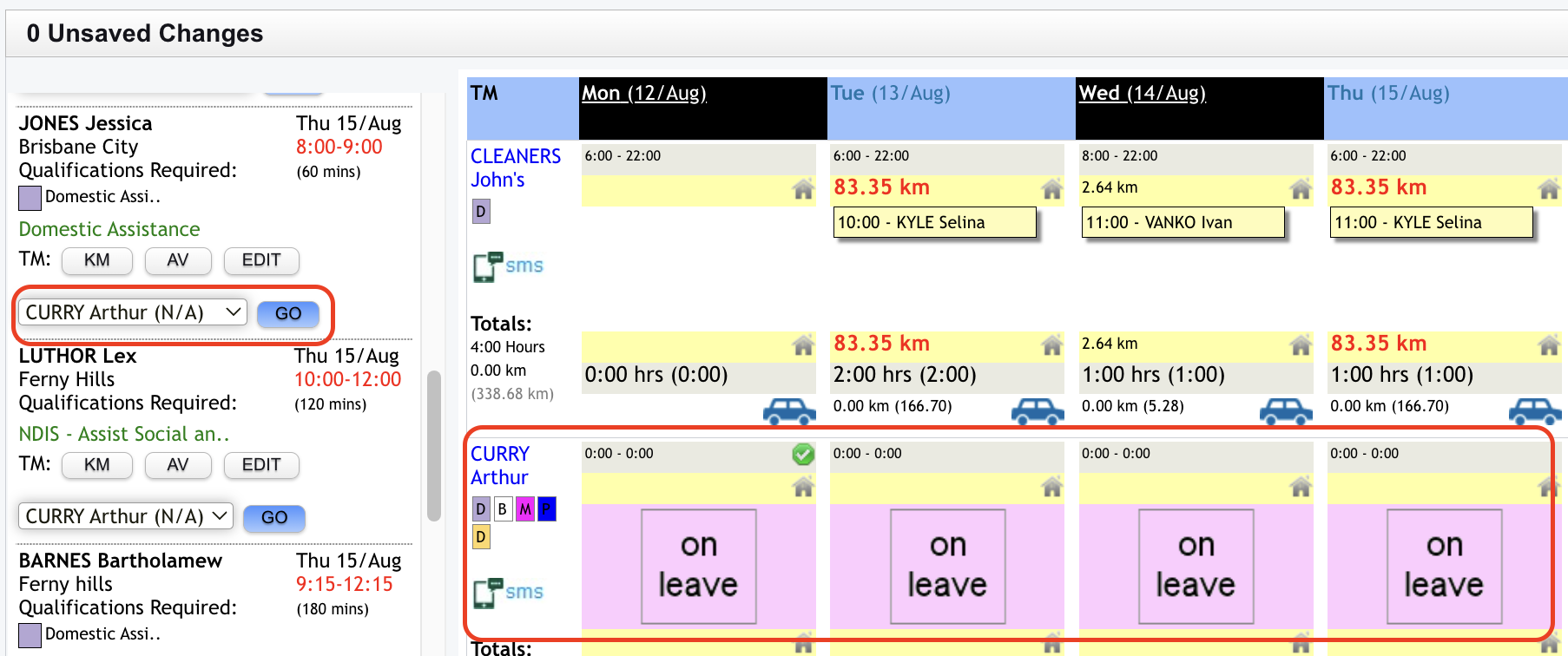
It will also mark the roster of the care worker as 'On Leave'.