Logo

Eziplan Care Management

Need help with Eziplan Rostering?

Resetting User Password

User Profiles

Resetting User Password

Here’s a step-by-step guide on how to reset a user’s password in Eziplan.

Last updated on 04 Feb, 2026

Go to the user’s profile in EziPlan then Click View / Edit Details.
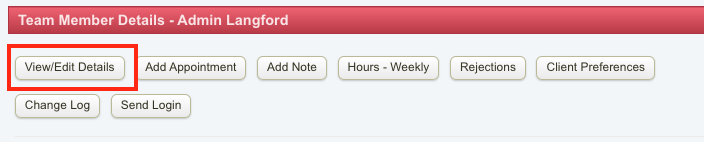
Screenshot 2026-02-04 at 11.59.58 AM.png

Click Show Password Field.

Screenshot 2026-02-04 at 12.00.39 PM.png

Enter a new password or click Set Random.
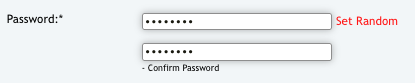
image.png

Click Update User.

image.png

Email the new login details to the user

You may refer to this article on giving staff access to Eziplan.
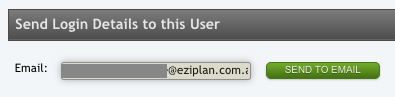
image.png

Did you find this article helpful?
Previous

Reporting

Next