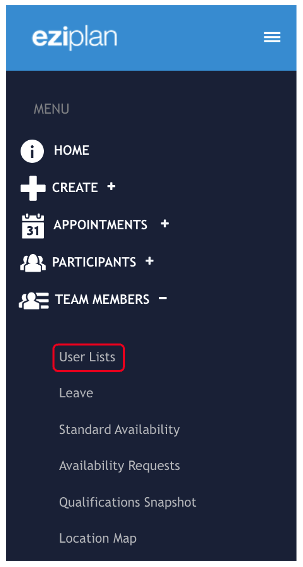
You may have some staff who you wish to give permissions to receive email notifications about declined and rejected shifts directly to there own email address rather than accessing these through the central business email account. To do this, navigate to Team Members > User List in the Eziplan Menu
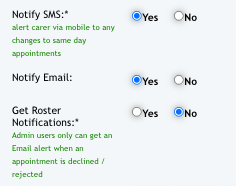
Select any user you wish to modify notification permissions and within their profile, click View/edit details tab. Find the option for Get Roster Notifications and tick Yes.
Click Update User tab once done to save the changes