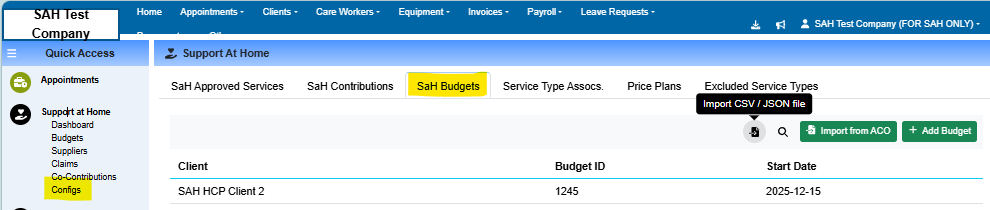

The SAH Budgets feature allows companies to add in a client's Support at Home Budget information. As this information has not been released yet by the Government it can be left blank and updated when available.
Note: A SaH Budget is different to setting up a clients budget - the SaH Budget contains information on funding availability in the Support at Home Program as defined by Services Australia. To set up a clients budget, follow these steps
Adding/Editing in SaH Budgets
To add in a SaH Budget:
Navigate to the SaH Budgets Tab in the Config section of Support at Home
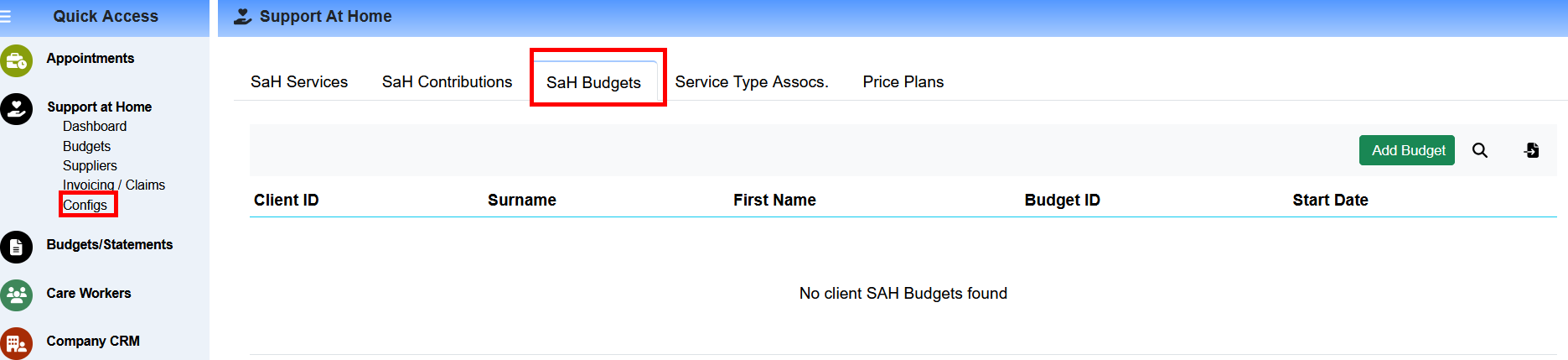
Click on the Add Budget in the top right:
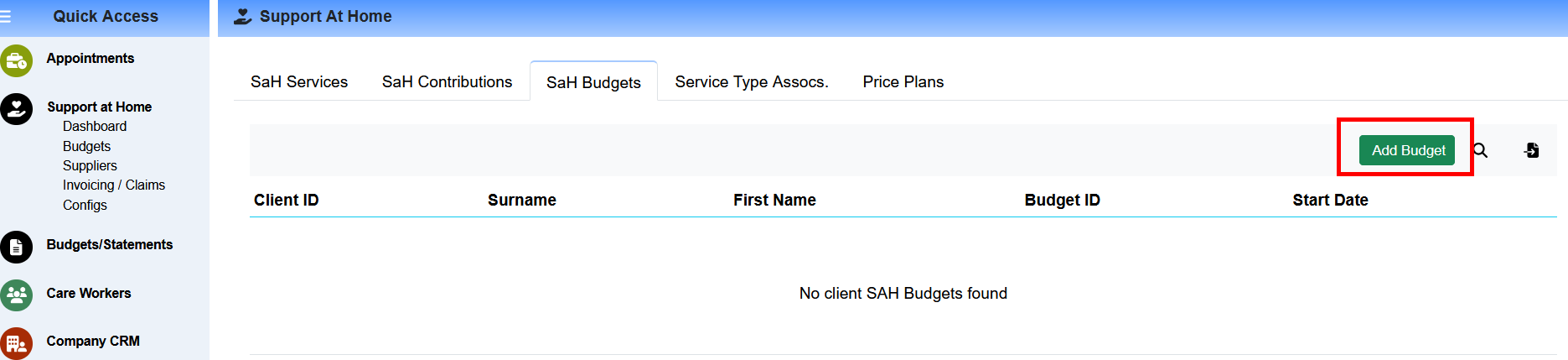
Fill in the required details:
SaH Budget ID
Client
Funding Source
Start Date
End Date
Click Add Budget
Repeat for Each SaH Budget
Bulk Uploading SaH Budgets
Select import from ACO or import CSV/JSON file if saved locally.