

The SAH Budgets feature allows companies to add in a client's Support at Home Budget information. As this information has not been released yet by the Government it can be left blank and updated when available.
**Note: A SAH Budget is different to setting up a clients budget - the SaH Budget contains information on funding availability in the Support at Home Program as defined by Services Australia.
To set up a clients budget, SAH Eziplan Client Budgets - Add/Edit
Adding/Editing in SAH Budgets
To add in a SaH Budget:
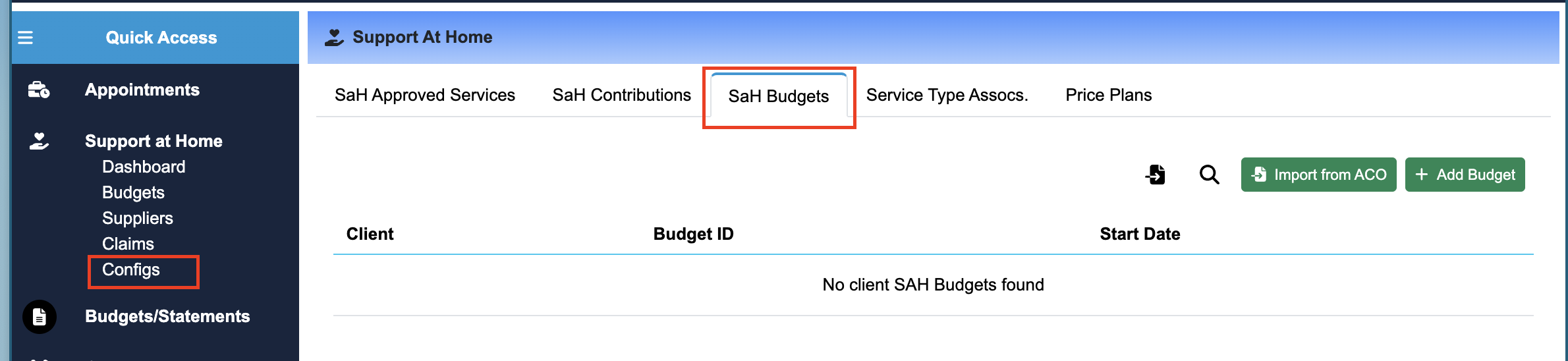
Navigate to the SaH Budgets Tab in the Config section of Support at Home
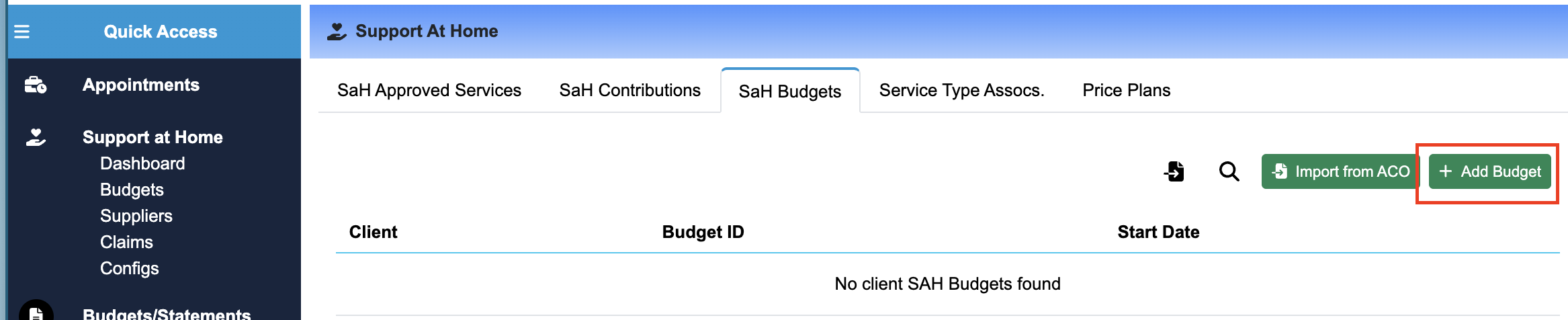
Click on the Add Budget in the top right:
Fill in the required details:
SaH Budget ID
Client
Funding Source
Start Date
End Date
Click Add Budget
Repeat for Each SaH Budget
Bulk Uploading SAH Budgets
Currently not available - expected release in late September