Overview
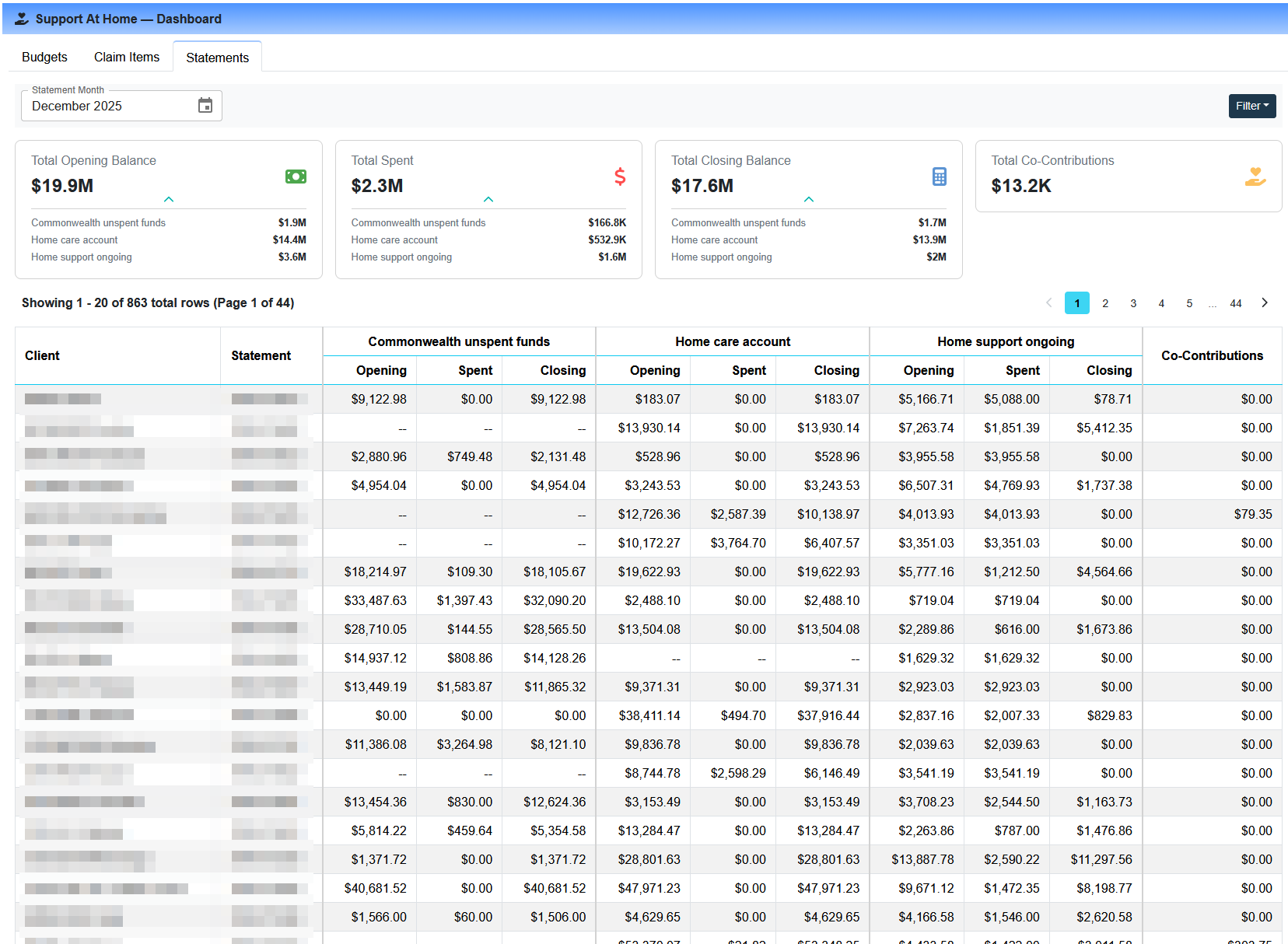
The Statements tab on the SAH Dashboard provides a consolidated view of statement budget activity across all clients for a selected month. Rather than opening individual client statements one at a time, you can review opening balances, spend, closing balances, and co-contribution totals for your entire client base from a single report — making it easier to reconcile month-end activity and identify clients that may need follow-up.
Accessing the Statements Tab
Steps to open the Statements view
Navigate to Support at Home > Dashboard in Eziplan.
From the SAH Dashboard, select the Statements tab.
Use the month picker at the top to select the statement period you want to review.
The table will load all clients with a statement generated for the selected month.
Summary Cards
At the top of the Statements tab, summary cards display aggregate totals across all clients for the selected month:
Total Opening Balance — combined opening balance across all client budgets for the period
Total Spent — total amount claimed and processed across all clients in the month
Total Closing Balance — combined remaining balance across all client budgets at the end of the period
Total Co-Contributions — aggregate co-contribution amounts collated for the month
Reading the Statements Table
The main table shows one row per client for the selected statement month. Each row can be expanded to show a breakdown by funding type. For each funding type the following columns are displayed:
Client — the client the statement belongs to
Funding Type — the SAH budget type (e.g. Home Support Ongoing, Independence, Clinical Care)
Opening Balance — the budget balance at the start of the statement period
Amount Spent — total services claimed and processed against this budget during the month
Closing Balance — remaining budget balance at the end of the period
Co-Contributions — any co-contribution amounts collated for this budget in the period
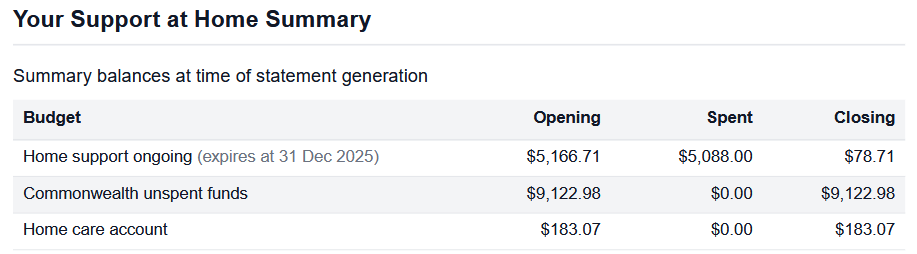
These will match the Budget Summary amounts on a statement:

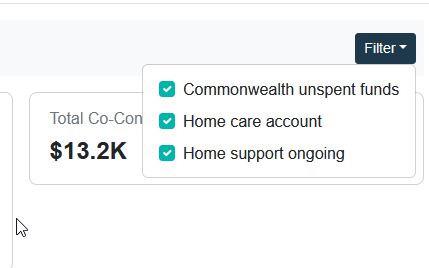
Filtering the Statements Report
The Statements table supports column-level filtering to help you narrow results when reviewing large statement runs. Available filters are based off funding types in the current month: