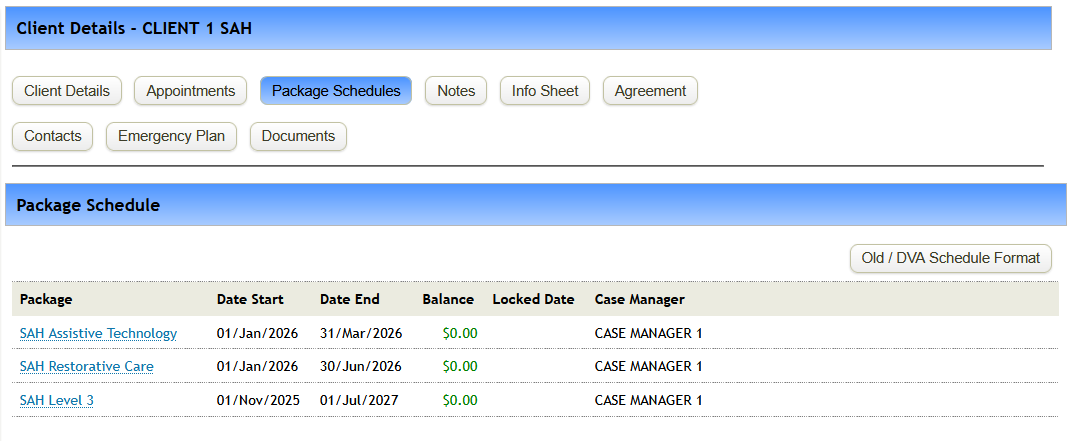
Please remember that we must complete adding in new Package Types BEFORE starting to create these.
The Function of Package Schedules will stay almost exactly the same as they are now, assigning an available funding source to a client and then associating that funding source to appointments and services.
One of the main differences to Home Care Packages, is that a client might have multiple SAH Packages active at any one time.
The process of adding package schedules is the same as normal and instructions can be found here: Add a Package Schedule
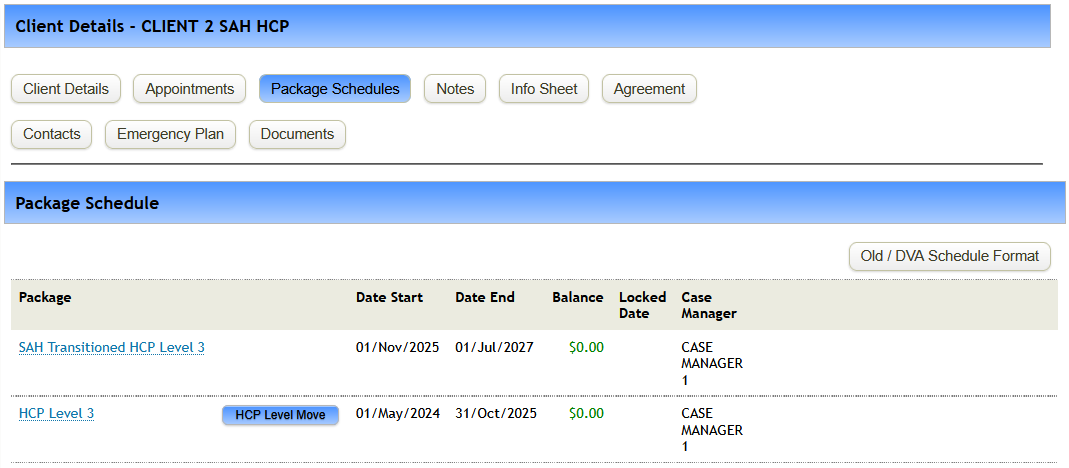
We have provided 2 examples of what you would be expecting for a clients Package Schedule:
HCP Transitioned Client:
Ongoing Client with Multiple Budgets: