Before starting make sure you have completed the following steps:
Navigating to the Feature
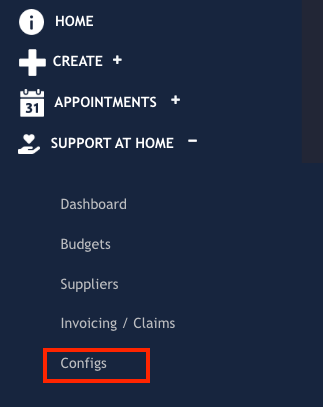
On your Quick Access Menu navigate to the Support at Home > Configs menu item:
From there, navigate to the Service Type Assocs. tab:

Search Filters
To assist you with finding a particular Service Type or to help trim the list of the Service Types, we have created a quick filter option. To open the filters, click the search icon:

From here, you can select from the filters your desired combination.

Available for filtering are the following:
Category - This filters by one or multiple of the Support At Home Categories (Clinical,Independence etc)
SAH Service - This filters by one or multiple of the Support At Home Service Types
Service Type - This filters by one of multiple of your Eziplan Service Types. Note for this filter to work properly you must have the Eziplan Service Type associated with a SAH Service Type
Show Only Current Associations?
If you select Yes, this filter will only show you SAH Services that have a corresponding Eziplan Service Type.
If you select No, it will only show you SAH Services that have no matching.
All will show you all.
Making Associations
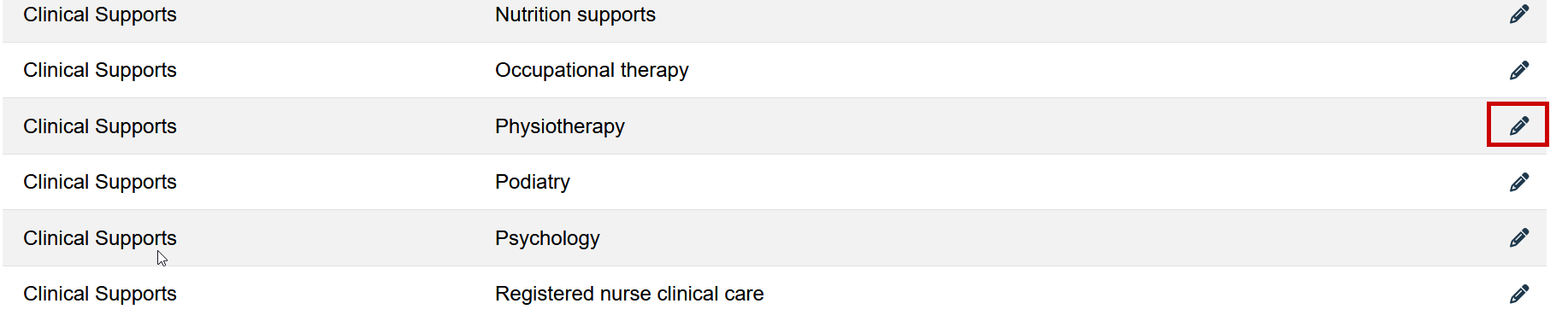
Once you have found your SAH Service you wish to make matches for, click the pencil icon to go into edit mode:
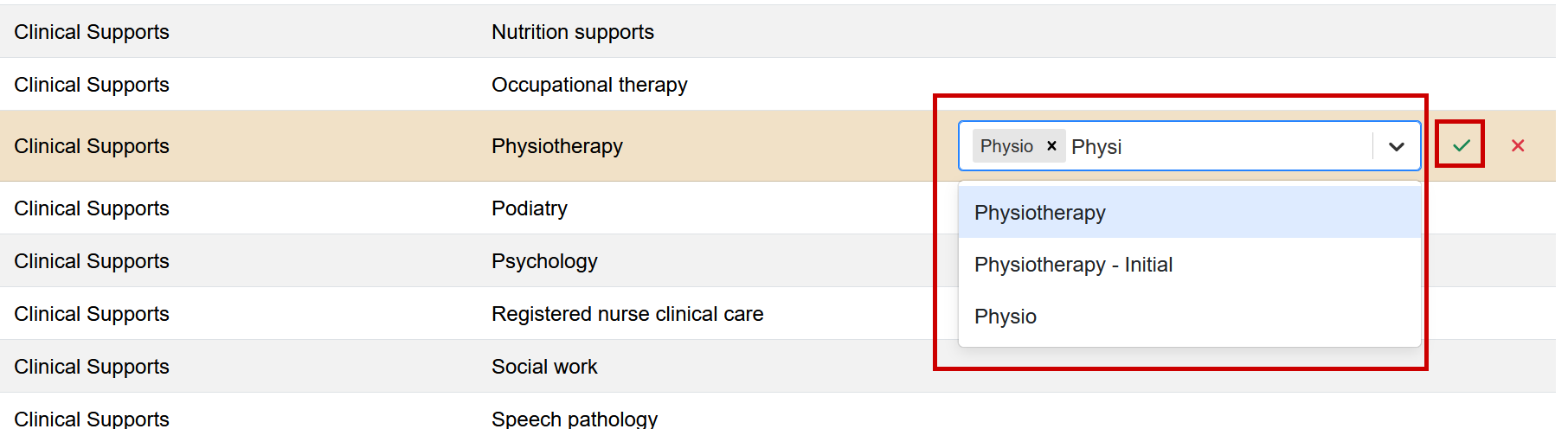
From here, you can select single or multiple Eziplan Service Types to be matched, once you are done you can click the green tick: