

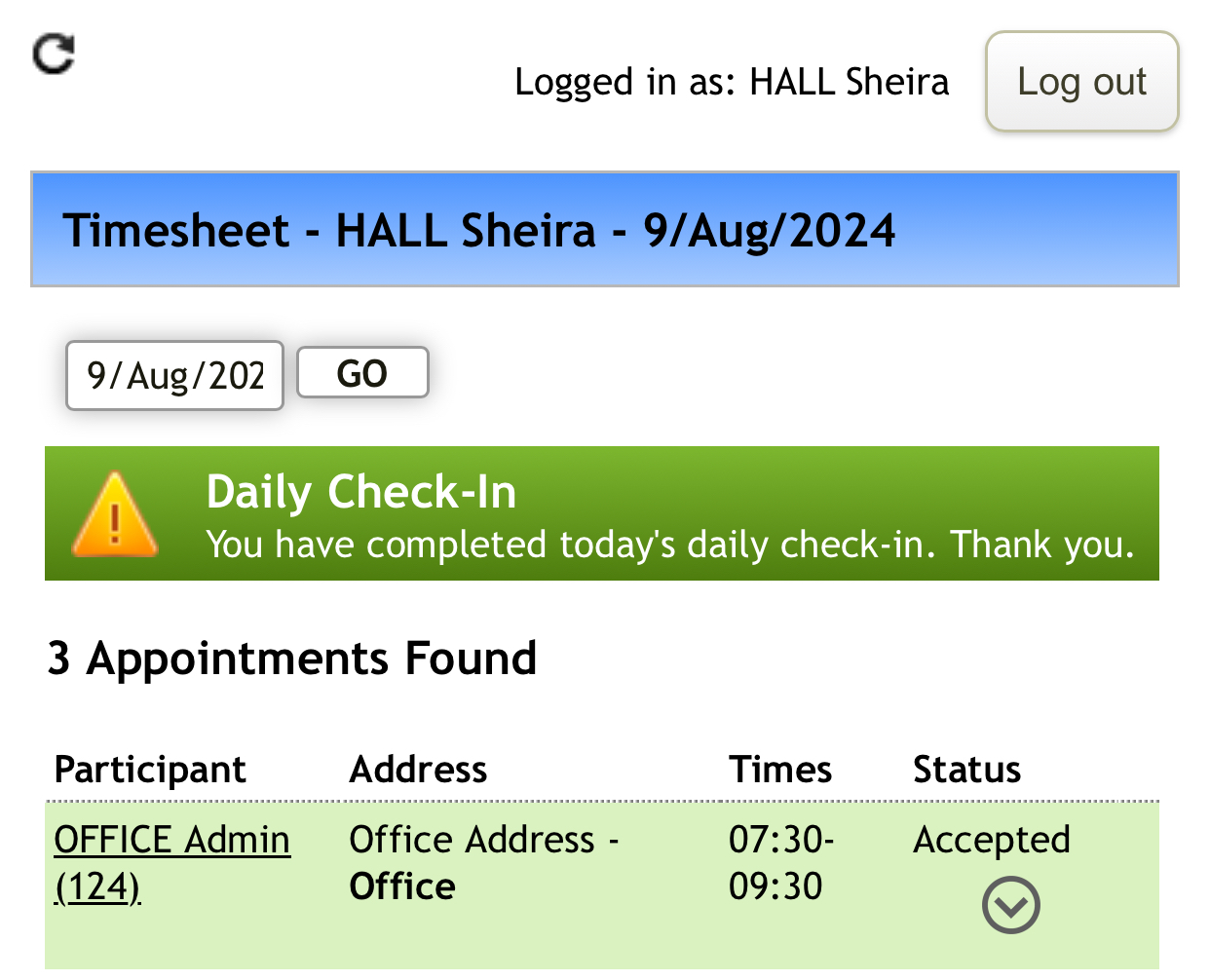
If option one or two is used to open the timesheet (see Opening Daily Timesheet ), tap on the arrow in the green bar of the appointment you are starting.
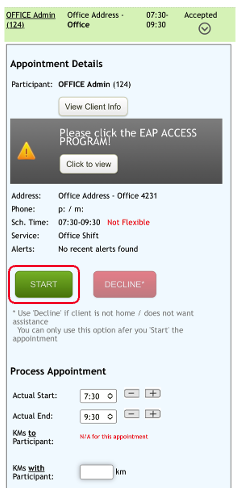
This will present you with the Start option. Tap on Start.
The page will refresh with a Started message and time.

To finalise your appointment see Completing an Appointment
You may also want to check out a video tutorial on Processing Appointments in Eziplan