

Overview
Eziplan now makes it easy to see whether an appointment or supplier invoice item has been included in an SAH claim or reconciliation — without having to manually search through the claims module. The behaviour differs slightly between appointments and supplier invoices, as described below.
Appointments — Claim Navigation Link
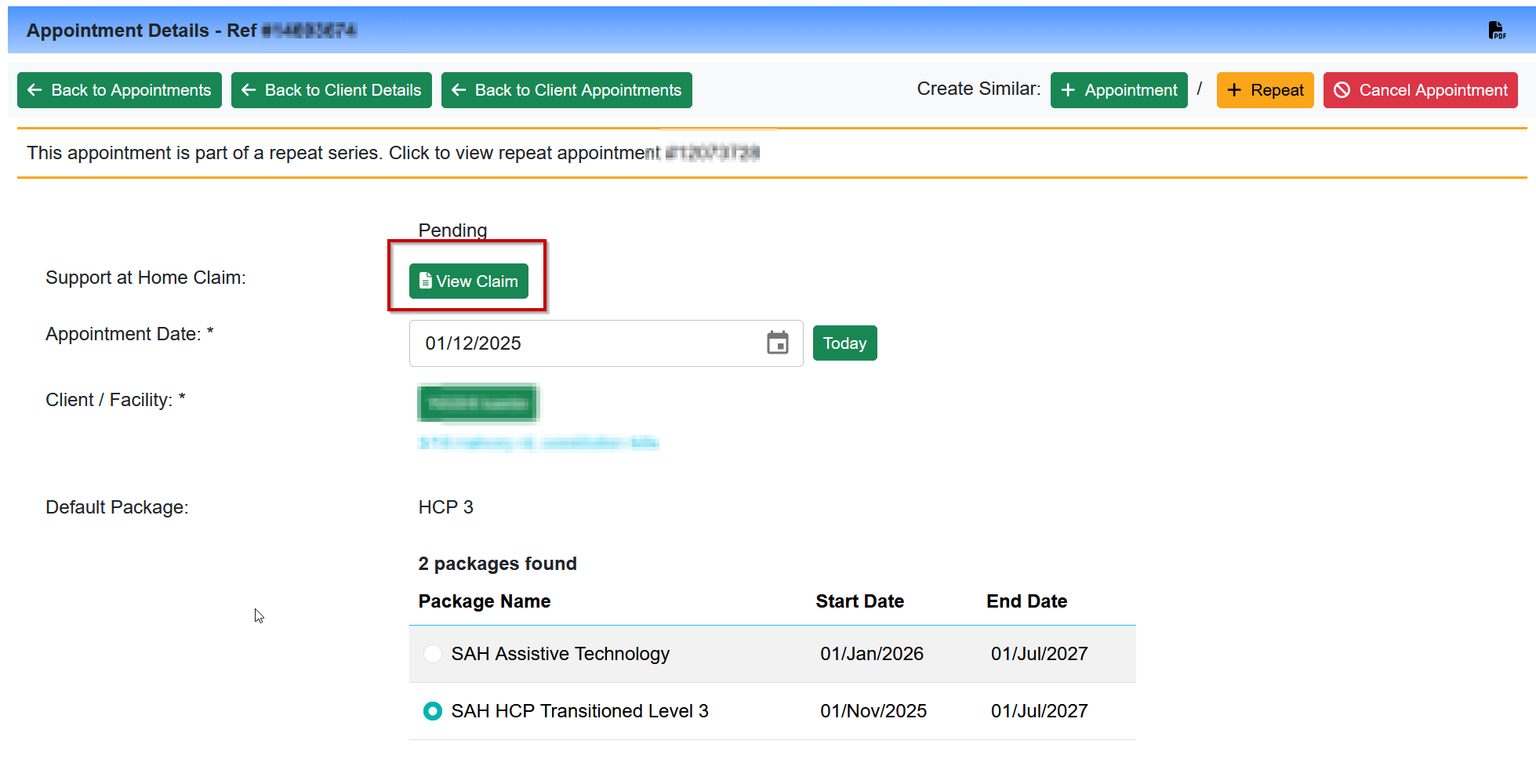
When an appointment has been included in an SAH claim, a link will appear directly on the individual appointment screen. Selecting this link navigates you to the related claim record, where you can review full claim detail.
If the claim has also been reconciled, a link to the reconciliation record will appear alongside the claim link.
Supplier Invoice Items — Claim Status and Navigation Link
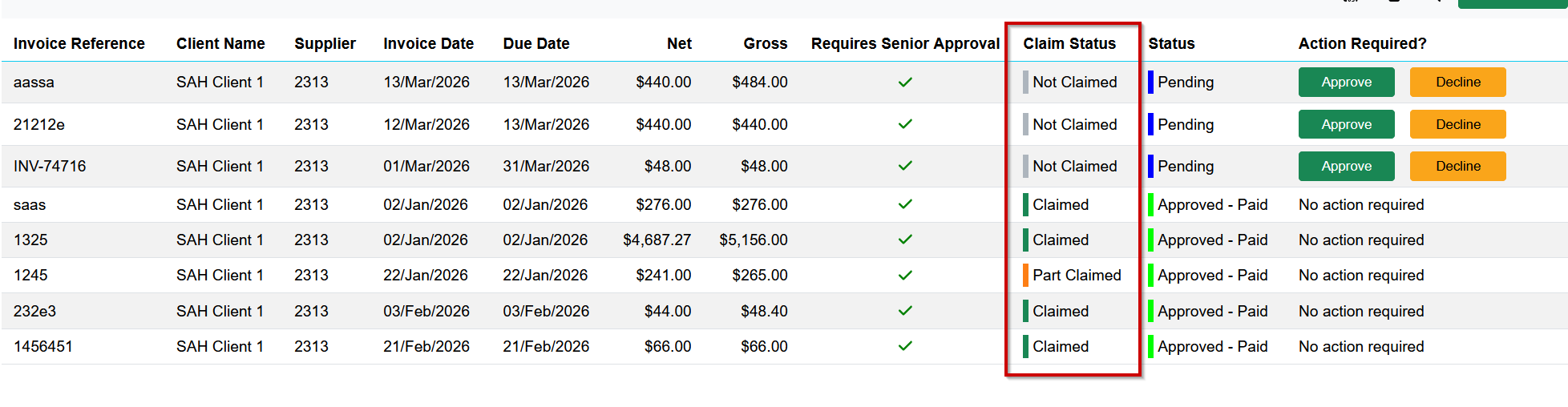
Supplier invoice items display both a status indicator at the invoice level and a navigation link at the individual line-item level. This allows you to confirm at a glance whether each item has been claimed and to jump directly to the related record if needed.

What do the statuses mean?
Claimed — The item has been included in an SAH claim submitted through Eziplan.
Reconciled — The claim containing this item has been matched against a payment statement.
Not claimed — The item has not yet been included in a claim.